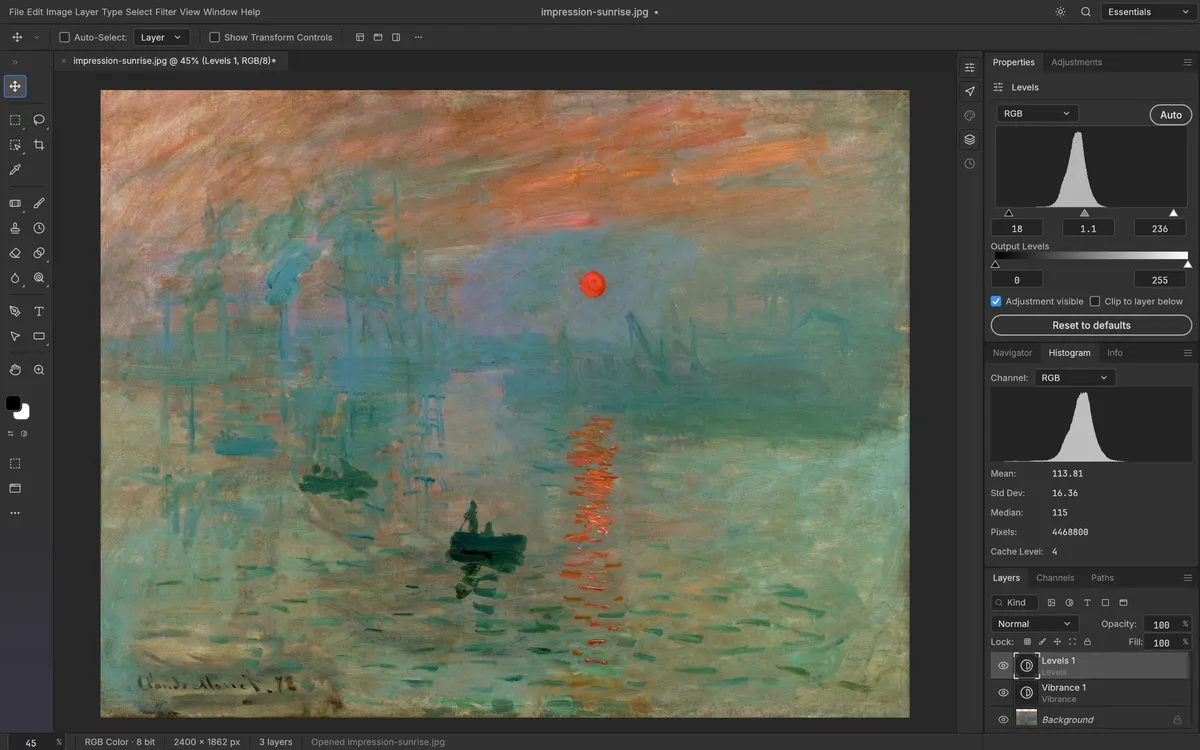
PhotoCraft is a free, open-source image editor that recreates the Adobe Photoshop workflow. It is a native app written entirely in Rust — no Electron, no web view — and the same engine also compiles to WebAssembly, so it runs in a browser too. You can use PhotoCraft online on this site.
Who makes it?
PhotoCraft is built by the ArtCraft team. It is the best known of their Crafting Apps, free creative tools that each mirror a well-known pro app — alongside VectorCraft for illustration, WordCraft for documents, PdfCraft, FilmCraft, LightCraft, EffectCraft, DesignCraft and more. All of them are released under the MIT or Apache-2.0 licence.
What can PhotoCraft do?
- 67 tools, from marquees, lassos and the Magic Wand to healing brushes, Clone Stamp, Content-Aware Move, the Pen tools and type tools.
- Layers done properly: groups, clipping masks, pixel and vector masks, fill and adjustment layers, smart objects with smart filters, and 27 Photoshop blend modes.
- 16 adjustment layers plus Shadows/Highlights, Replace Color, Match Color and HDR Toning.
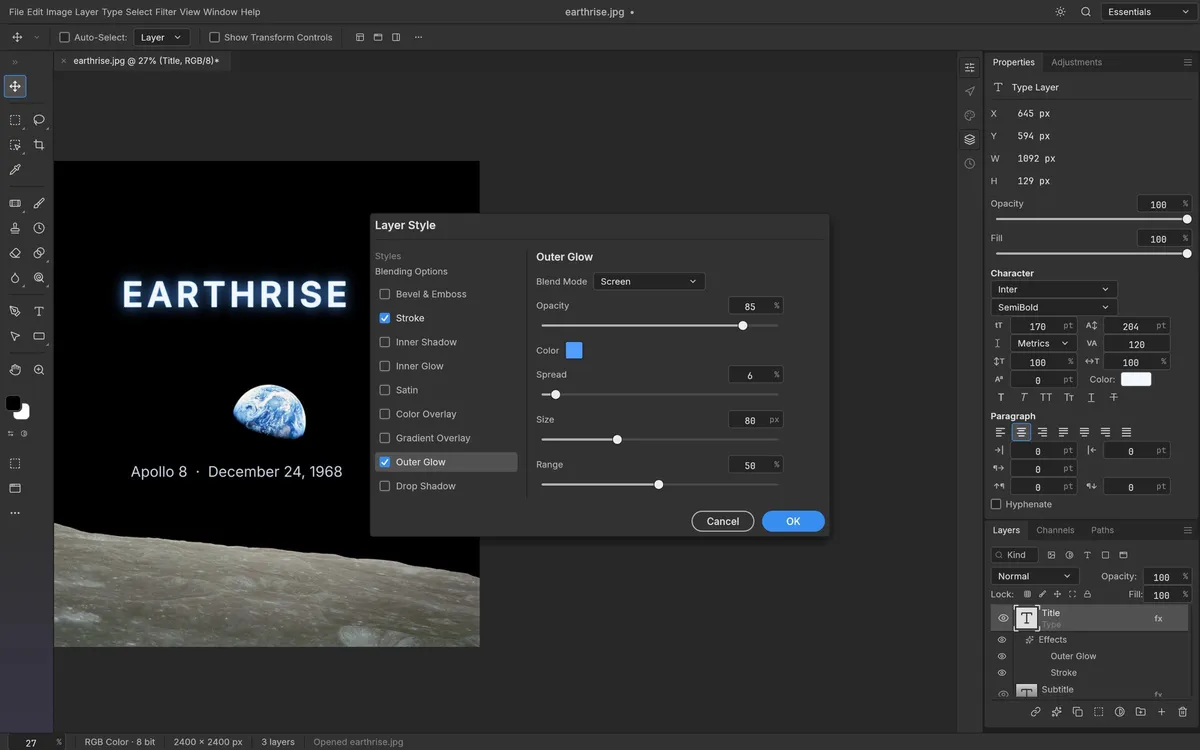
- Layer styles such as Drop Shadow, Bevel & Emboss and Stroke, live on any layer.
- Filters with live on-canvas preview: blurs (including the Blur Gallery), sharpening, distortions, Oil Paint, Lens Flare, Lighting Effects and more.
- Export As with format, quality and scale, plus one-click Quick Export to PNG.
How good is its PSD support?
PSD support is one of PhotoCraft's strengths. It is written from Adobe's public specification and tested against real files: its authors report that opening and re-saving keeps the render of 307 of the 309 files in the psd-tools test set, and that all 116 shape layers in their PSD corpus match Photoshop's pixels. PSB, 16- and 32-bit, CMYK and Lab documents open natively.
PhotoCraft vs Photopea vs GIMP
- Photopea — mature and browser-based, free with ads, closed source.
- GIMP — mature, open source and desktop-only, with its own interface rather than Photoshop's.
- PhotoCraft — an open-source, ad-free editor, Photoshop's layout, native desktop and browser, but much younger.
This hosting site displays ads outside the editor. For a deeper look, read PhotoCraft vs Photoshop (and Photopea).
How to try it
- In your browser: PhotoCraft Online — no install, no account.
- On your desktop: the same page links signed builds for Windows, macOS, Linux and FreeBSD.
- From the command line:
photocraft-cliruns edits headlessly, batches a folder of images, and exposes an MCP server for AI agents.
Questions people ask
Who makes PhotoCraft?
The ArtCraft team and community contributors. The official code is at github.com/storytold/photocraft and the official site is getartcraft.com.
Is PhotoCraft safe to use?
The official builds are open source, code-signed on Windows and notarized on macOS, with SHA-256 checksums. Download only from the official GitHub releases or getartcraft.com, or use the web version here, which runs locally in your browser.
Does PhotoCraft work without internet?
The desktop app works fully offline. The browser version needs a connection to load the first time.
Try PhotoCraft right now
The full editor runs in your browser. No install, no account.