
DesignCraft Online – Free Page Layout & InDesign Alternative
Preparing DesignCraft…
First visit downloads the editor once (≈13 MB). After that it opens instantly from your browser cache. Nothing you draw is uploaded.
Preparing DesignCraft…
First visit downloads the editor once (≈13 MB). After that it opens instantly from your browser cache. Nothing you draw is uploaded.
Free · Open source · In your browser
The open-source InDesign alternative, running right here. Spreads and parent pages, threaded text frames, paragraph styles, beautiful justification, and PDF, IDML and EPUB export.
About the app
DesignCraft is a free, open-source page layout app that recreates the Adobe InDesign workflow: spreads and parent pages, frames and threaded stories, the Control panel, paragraph and character styles, swatches and text wrap. It is written in Rust by the ArtCraft team and runs on Windows, macOS, Linux and in the browser.
It is the youngest of the Crafting Apps — its roadmap calls it pre-alpha — so expect gaps. Its typography is already a highlight: a Knuth–Plass paragraph composer, hyphenation and optical margin alignment, with identical line breaks on screen and in PDF.
DesignCraft is one of the Crafting Apps, alongside VectorCraft, the free Illustrator alternative.
DesignCraft features
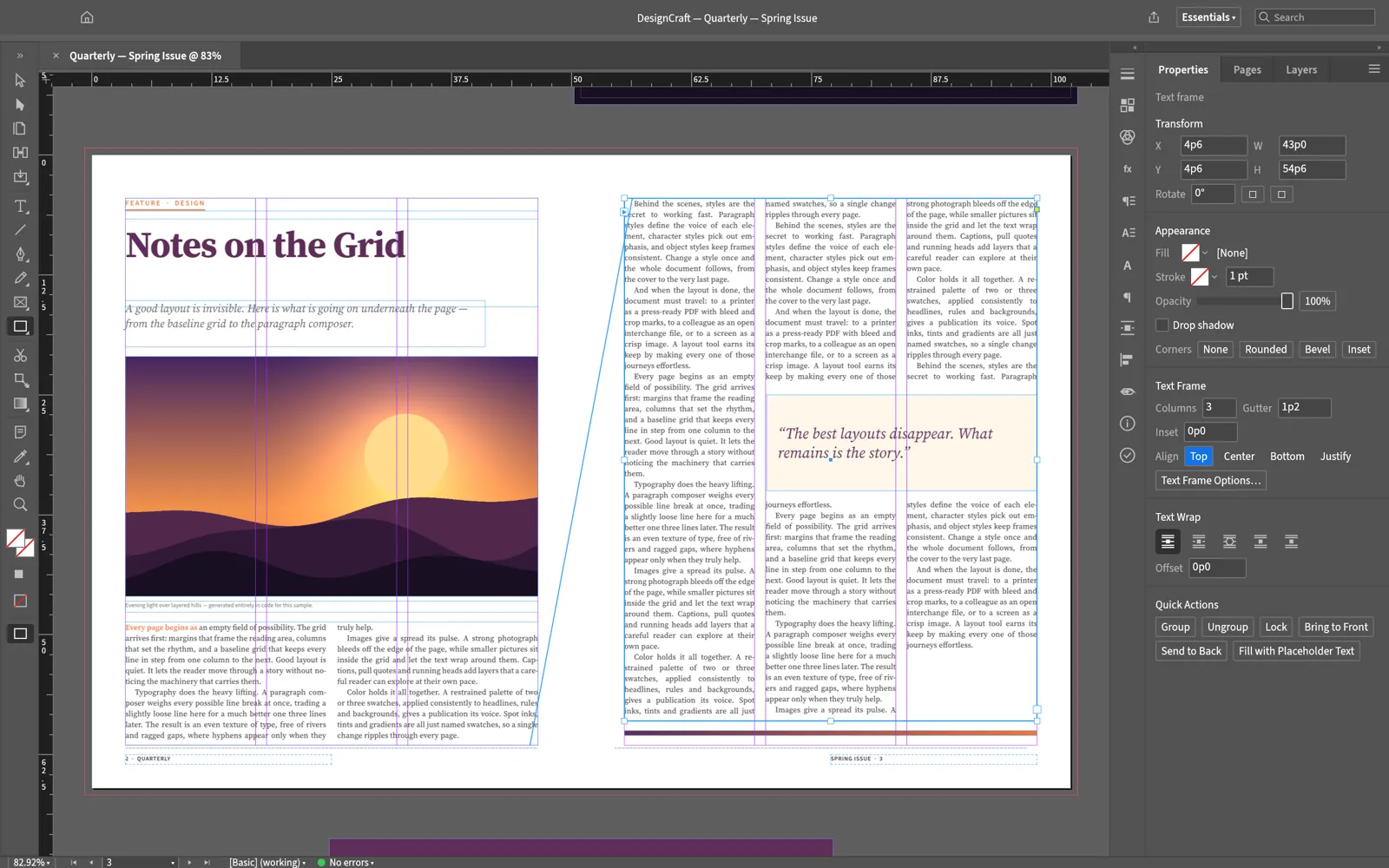
Lay out spreads with parent pages, frames, columns, a baseline grid and the familiar Control panel.
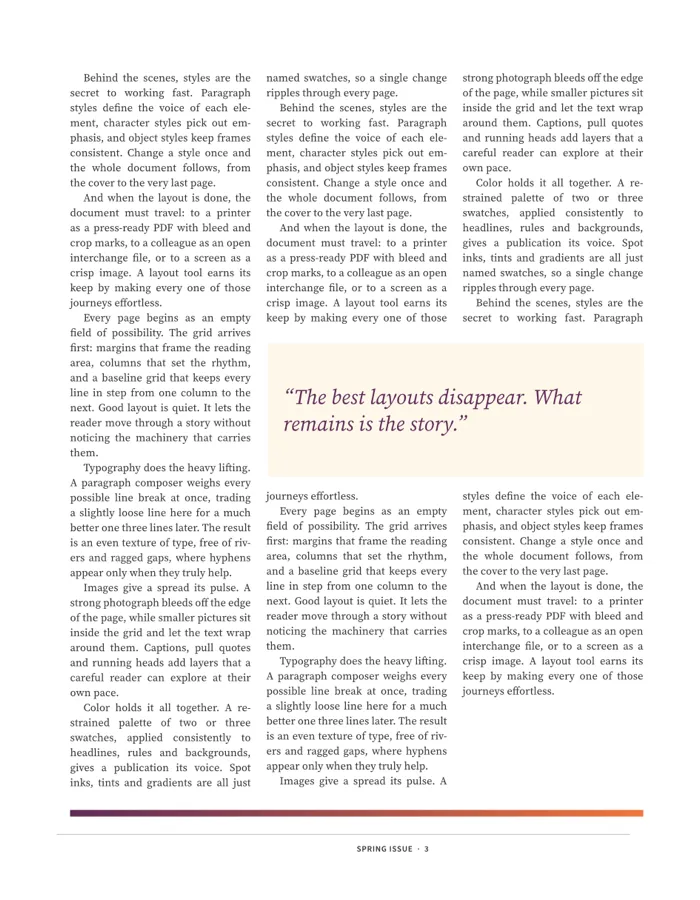
One story flows through columns and frames and around images and pull quotes.
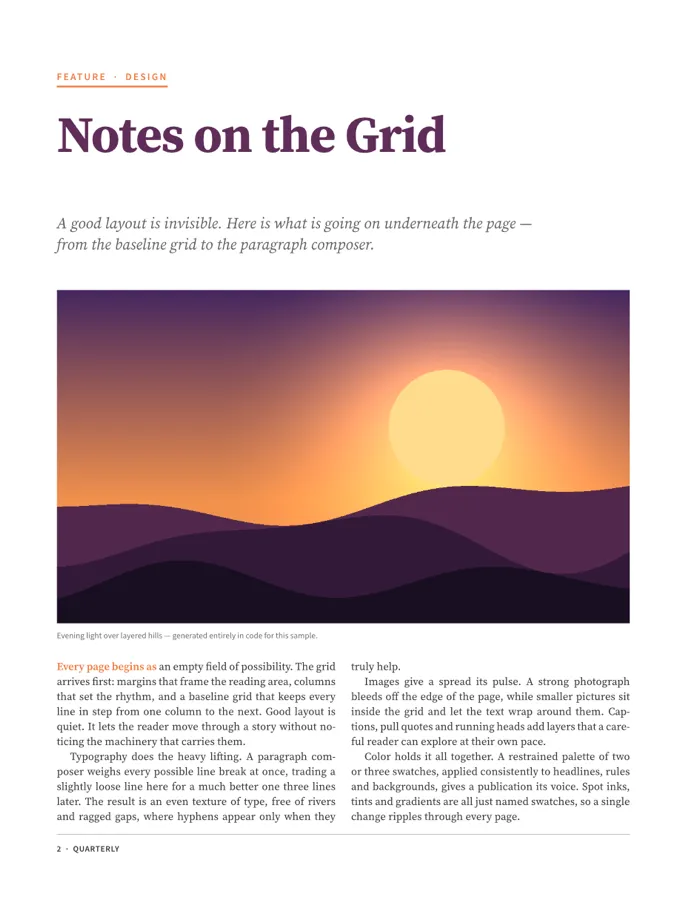
Kickers, headlines, decks and body text from reusable styles, with keeps, rules and tabs.
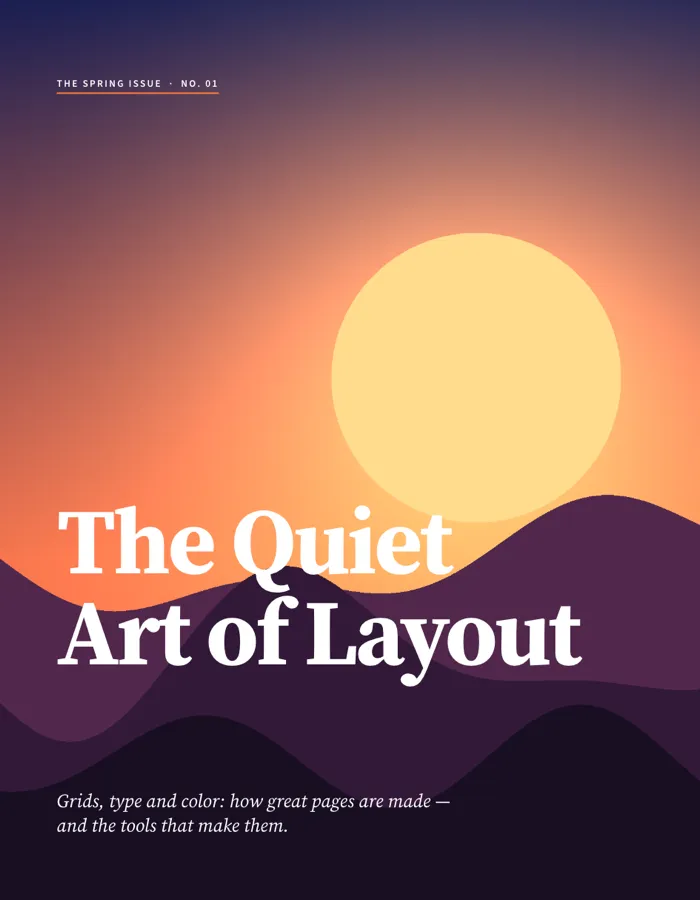
A Knuth–Plass paragraph composer, dictionary hyphenation and optical margin alignment.
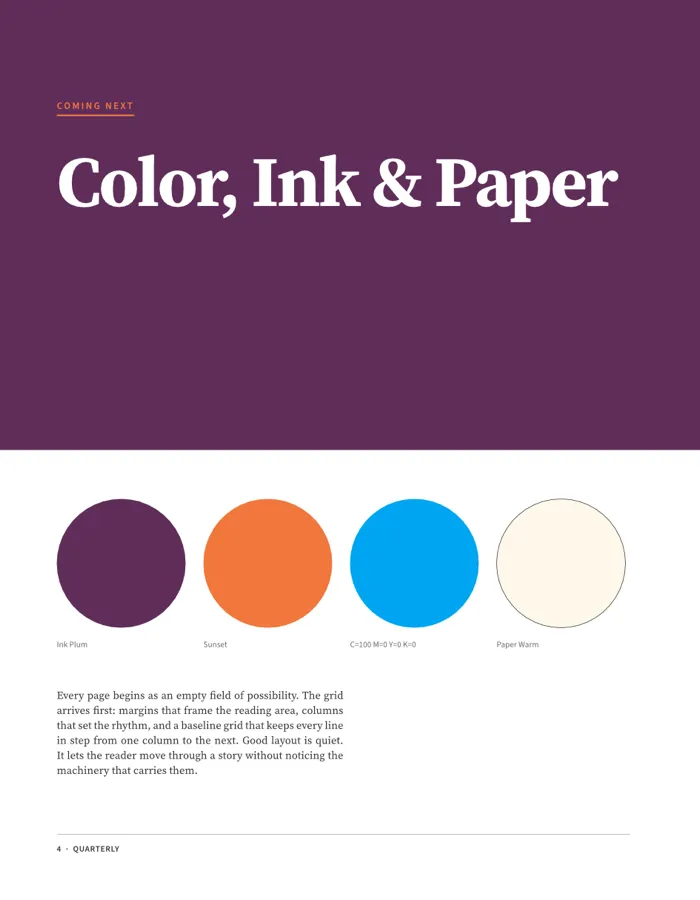
Named colours and CMYK process swatches, exported to PDF/X-4 or PDF/A-2b.
Screenshots and sample pages: DesignCraft contributors, MIT OR Apache-2.0.
Get started
The first visit downloads DesignCraft (about 13 MB). After that your browser keeps it, so it opens in a moment.
Pick a page size, open an IDML file, or click Open sample magazine to explore a finished layout.
Place frames, thread text, apply styles, then export a PDF (including PDF/X-4), PNG, EPUB or IDML.
Compare
| Feature | DesignCraft Online | Adobe InDesign | Affinity | Scribus |
|---|---|---|---|---|
| Price | Free | Subscription | Free | Free |
| Runs in the browser | ||||
| No account needed | ||||
| Open source | ||||
| InDesign-style tools & shortcuts | ||||
| IDML import and export | Import | Partial import | ||
| Maturity | Pre-alpha | Industry standard | Mature | Mature |
Affinity is free for individuals with a Canva account.
Desktop app · version 0.8.0 · released 2026-10-14
Prefer a native app? Every link goes straight to the official GitHub release by ArtCraft team.
How to install
How to install
How to install
How to install
Verify your download
Compare the file’s SHA-256 hash with SHA256SUMS.txt from the release. On macOS or Linux run shasum -a 256 <file>; on Windows run certutil -hashfile <file> SHA256. Older versions and release notes are on the GitHub releases page .
Yes. DesignCraft is free, open-source software (MIT or Apache-2.0), and this page lets you use its web version without paying, installing anything or creating an account.
It imports and exports IDML, InDesign’s interchange format. It cannot open native .indd files — save them as IDML from InDesign first.
PDF (including PDF/X-4 and PDF/A-2b), PNG, EPUB and IDML, plus its own documented native format.
Not yet. It is the youngest Crafting App and its roadmap calls it pre-alpha. Try it on personal projects and keep InDesign or Affinity for client work.
No. DesignCraft is made by the ArtCraft team (getartcraft.com). This is an independent page that hosts the unmodified official web build.
Yes. Signed builds for Windows, macOS, Linux and FreeBSD are linked in the download section below, straight from the official GitHub release.
DesignCraft, the free InDesign alternative, is one of the ArtCraft team’s open-source Crafting Apps. See all apps