
GridCraft Online – Free Spreadsheet & Microsoft Excel Alternative
Preparing GridCraft…
First visit downloads the editor once (≈7 MB). After that it opens instantly from your browser cache. Nothing you draw is uploaded.
Preparing GridCraft…
First visit downloads the editor once (≈7 MB). After that it opens instantly from your browser cache. Nothing you draw is uploaded.
Free · Open source · In your browser
The open-source Excel alternative, running right here. The ribbon, formula bar, 500+ functions, dynamic arrays, PivotTables, charts and real .xlsx files — on your device.
About the app
GridCraft is a free, open-source spreadsheet app that recreates the Microsoft Excel workflow: the ribbon, formula bar, Name Box, sheet tabs, fill handle, Format Cells and Paste Special. XLSX is its native format. It is written in Rust by the ArtCraft team and runs on Windows, macOS, Linux, BSD and in the browser.
It is alpha software. It already covers 89% of Excel’s ribbon commands and 513 of Excel’s 523 worksheet functions, but its authors estimate it is about 50% ready for real work: fidelity on real-world .xlsx files and very large workbooks are next.
GridCraft is one of the Crafting Apps, alongside VectorCraft, the free Illustrator alternative.
GridCraft features
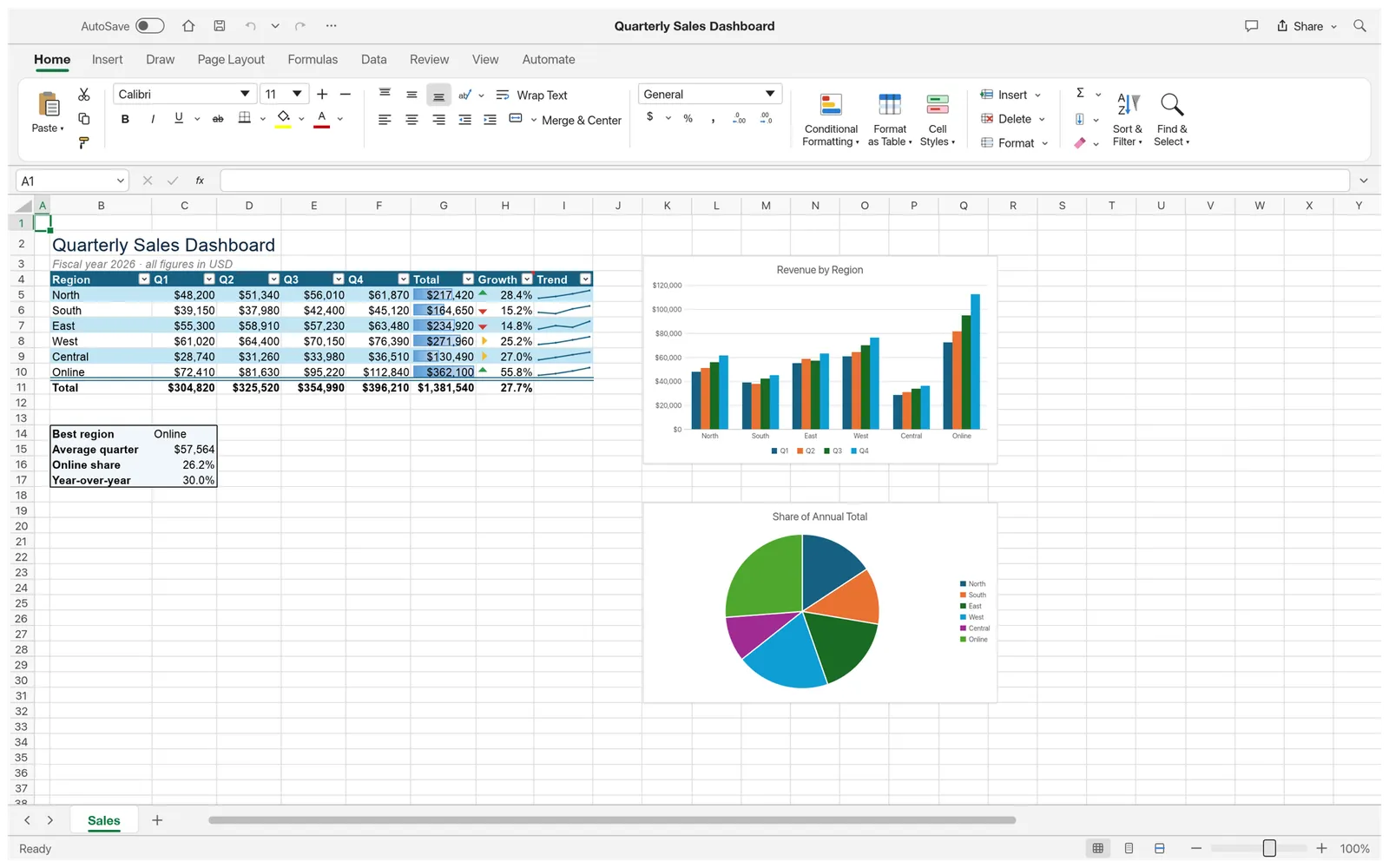
Tables with totals rows, conditional formatting and sparklines, here in the built-in sales dashboard sample.
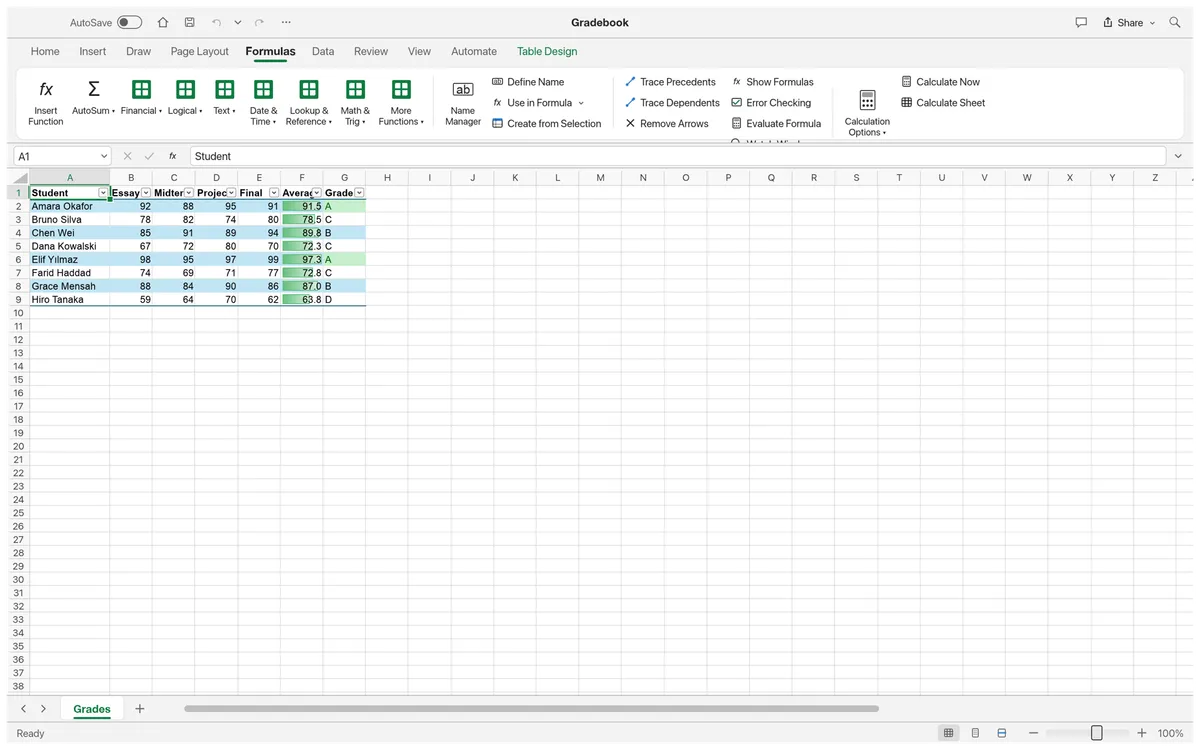
Dynamic arrays and spilling, LET and LAMBDA, MAP, REDUCE, SCAN and structured table references.
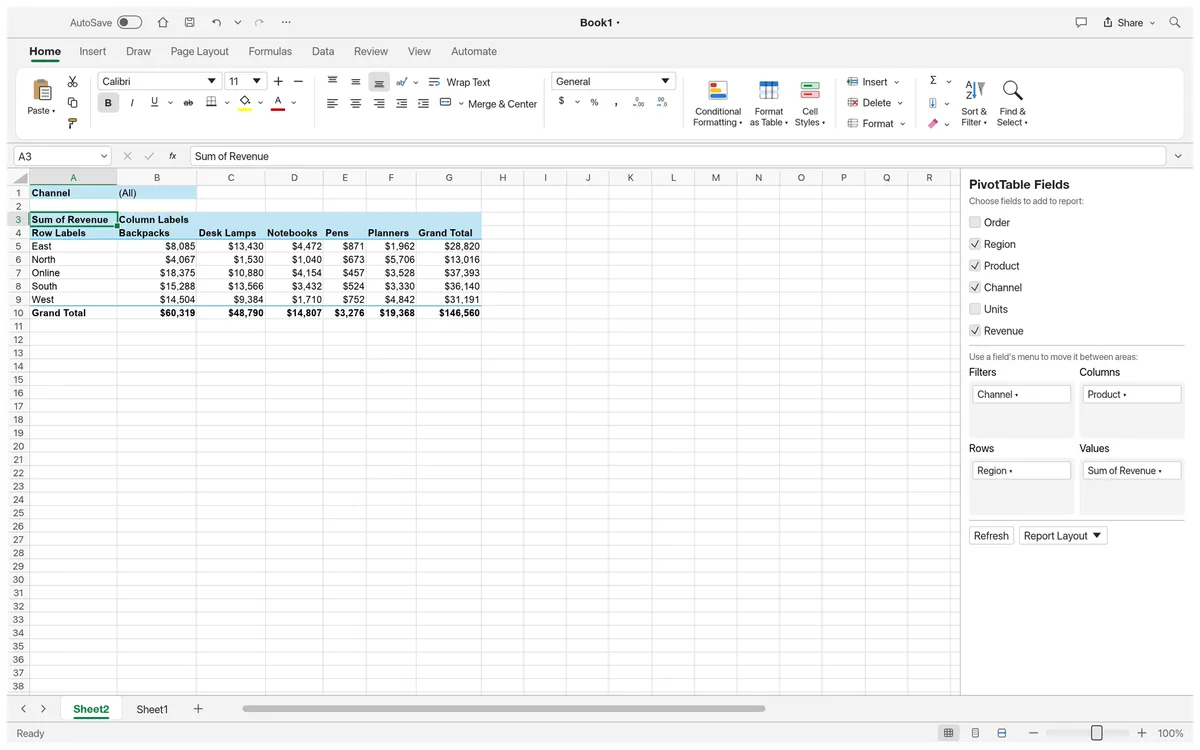
Field list, filters, layouts, date grouping and show-values-as, saved to and read from XLSX.
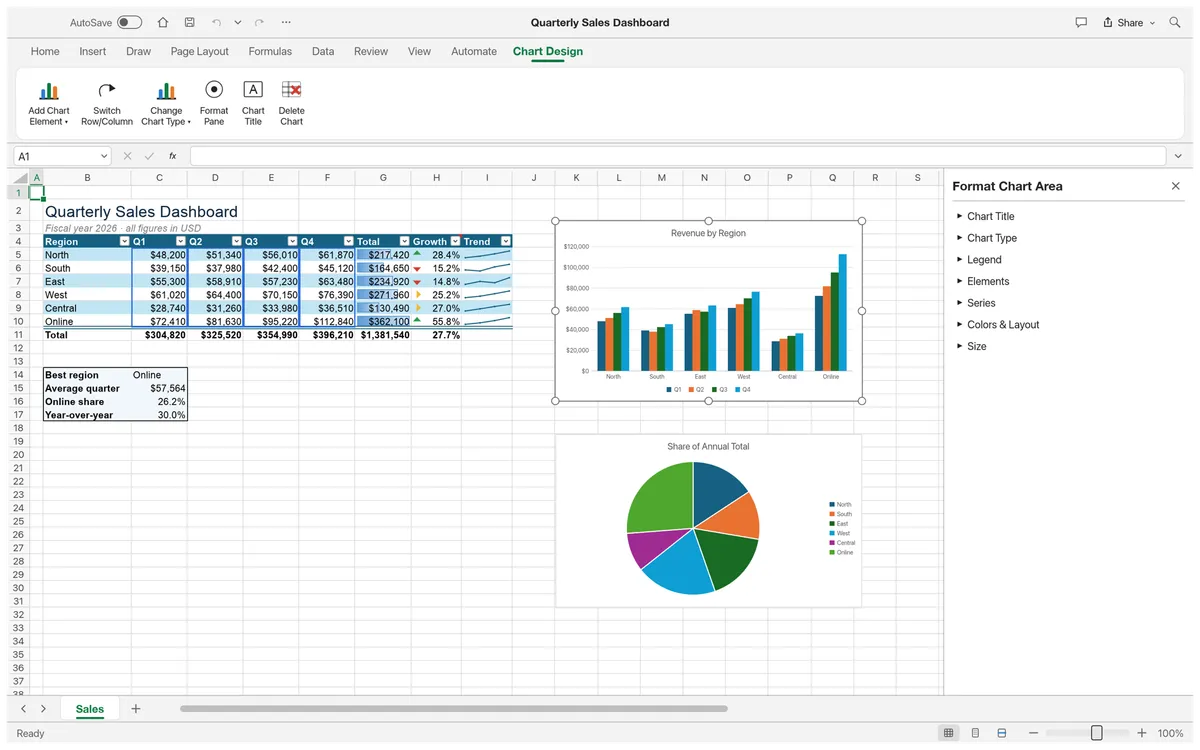
Seventeen chart types, accounting formats, cell styles, colour scales and frozen headers.
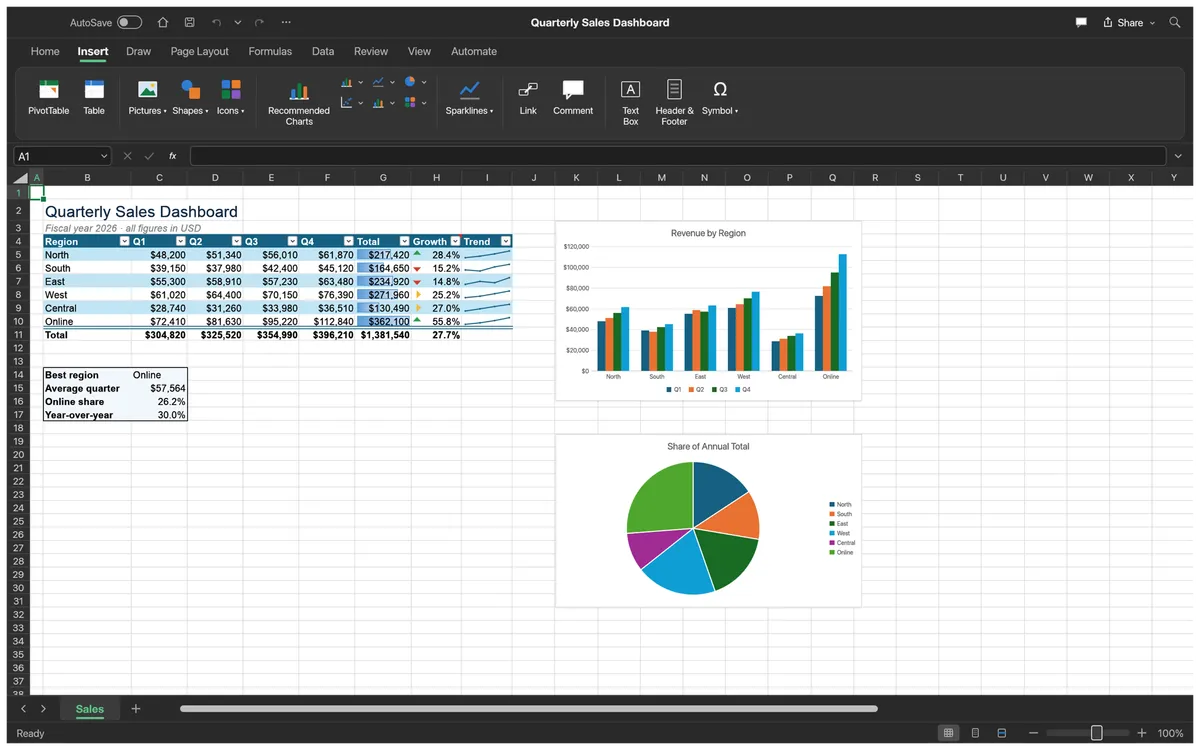
Tables, charts, sparklines, pictures, shapes, links and comments from the Insert tab.
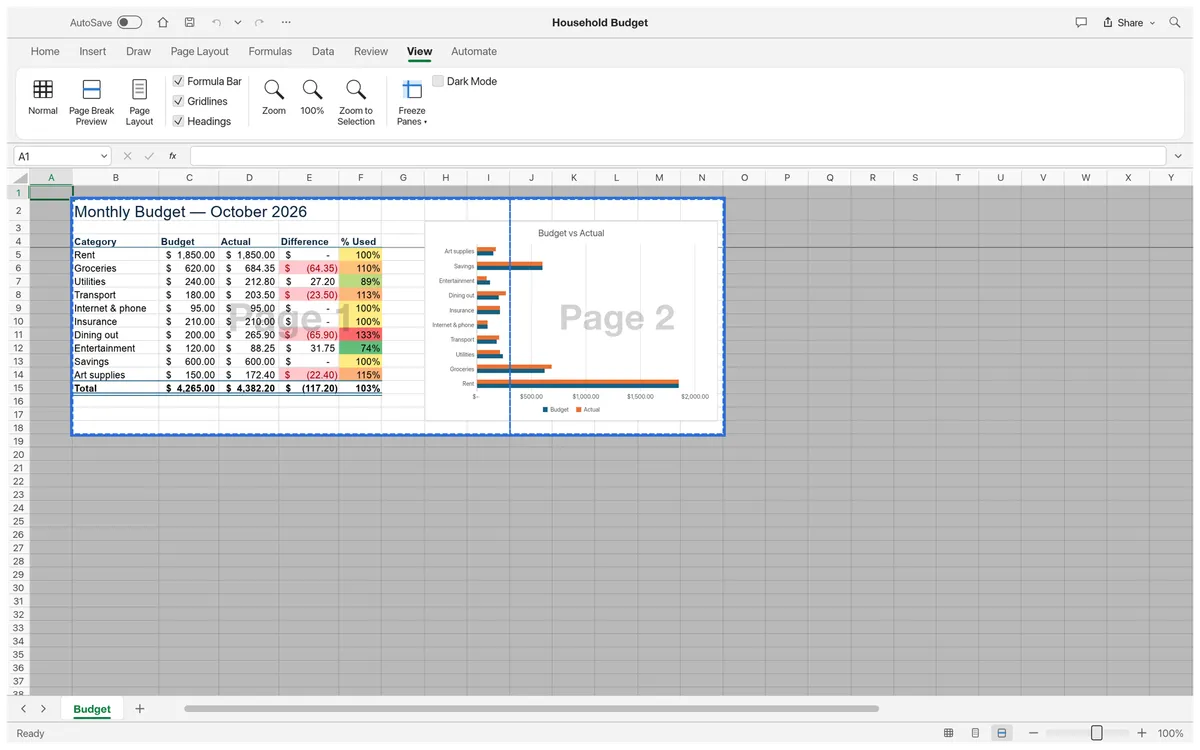
Page Break Preview, print settings and PDF export.
Screenshots: GridCraft contributors, MIT OR Apache-2.0 (sample workbooks made in GridCraft).
Get started
The first visit downloads GridCraft (about 7 MB). After that your browser keeps it, so it opens in a moment.
Open an .xlsx or CSV file (or drop it on the grid), start a blank workbook, or try File › New › Sample.
Use formulas, tables, PivotTables and charts, then Save downloads the .xlsx to your computer.
Compare
| Feature | GridCraft Online | Microsoft Excel | Google Sheets | LibreOffice Calc |
|---|---|---|---|---|
| Price | Free | Microsoft 365 subscription | Free | Free |
| Runs in the browser | Excel for the web | |||
| No account needed | ||||
| Files stay on your device | Desktop app | |||
| Open source | ||||
| Excel-style ribbon | ||||
| Opens and saves .xlsx | ||||
| Maturity | Alpha | Industry standard | Mature | Mature |
GridCraft also reads CSV and TSV, opens Excel 97-2003 .xls values and formulas, and imports XLSB and ODS worksheet data.
Desktop app · version 0.7.0 · released 2026-10-14
Prefer a native app? Every link goes straight to the official GitHub release by ArtCraft team.
How to install
How to install
How to install
How to install
Verify your download
Compare the file’s SHA-256 hash with SHA256SUMS.txt from the release. On macOS or Linux run shasum -a 256 <file>; on Windows run certutil -hashfile <file> SHA256. Older versions and release notes are on the GitHub releases page .
Yes. GridCraft is free, open-source software (MIT or Apache-2.0), and this page lets you use its web version without paying, installing anything or creating an account.
Yes. XLSX is its native format: styles, formulas (including dynamic arrays), tables, conditional formats, charts, PivotTables and print settings round-trip. Old .xls workbooks open with their values, formulas and number formats.
513 of Excel’s 523 worksheet functions, plus LET, LAMBDA, MAP, REDUCE, SCAN, BYROW, BYCOL and MAKEARRAY, dynamic arrays and structured table references.
No. GridCraft runs in your browser with WebAssembly; workbooks are read locally and Save downloads them to your computer.
Not yet for heavy work: its authors estimate about 50% readiness. Simple and medium workbooks work well; complex real-world files may not round-trip perfectly.
No. GridCraft is made by the ArtCraft team (getartcraft.com). This is an independent page that hosts the unmodified official web build.
GridCraft, the free Excel alternative, is one of the ArtCraft team’s open-source Crafting Apps. See all apps