
SolidCraft Online – Free Parametric 3D CAD in Your Browser
Preparing SolidCraft…
First visit downloads the editor once (≈12 MB). After that it opens instantly from your browser cache. Nothing you draw is uploaded.
Preparing SolidCraft…
First visit downloads the editor once (≈12 MB). After that it opens instantly from your browser cache. Nothing you draw is uploaded.
Free · Open source · In your browser
Open-source parametric CAD, running right here. Constrained sketches, a feature timeline, assemblies, sheet metal and STEP, STL and 3MF export — no install, no account.
About the app
SolidCraft is a free, open-source parametric 3D CAD application written in Rust. You sketch, constrain and build solids on a parametric feature timeline: change a dimension and the model rebuilds. It runs on Windows, macOS, Linux and in the browser, and AI agents can model through its built-in MCP server.
Its author describes it as early but usable for simple parts: 75 of 76 public reference parts match their analytic or FreeCAD-computed volume, area, centre of mass and bounding box. Its desktop installers are not code-signed yet.
SolidCraft is an independent community project by bherbruck and the SolidCraft contributors — not made by the ArtCraft team. We host it next to the Crafting Apps because it is built the same way: in Rust, open source and runnable in the browser.
SolidCraft features
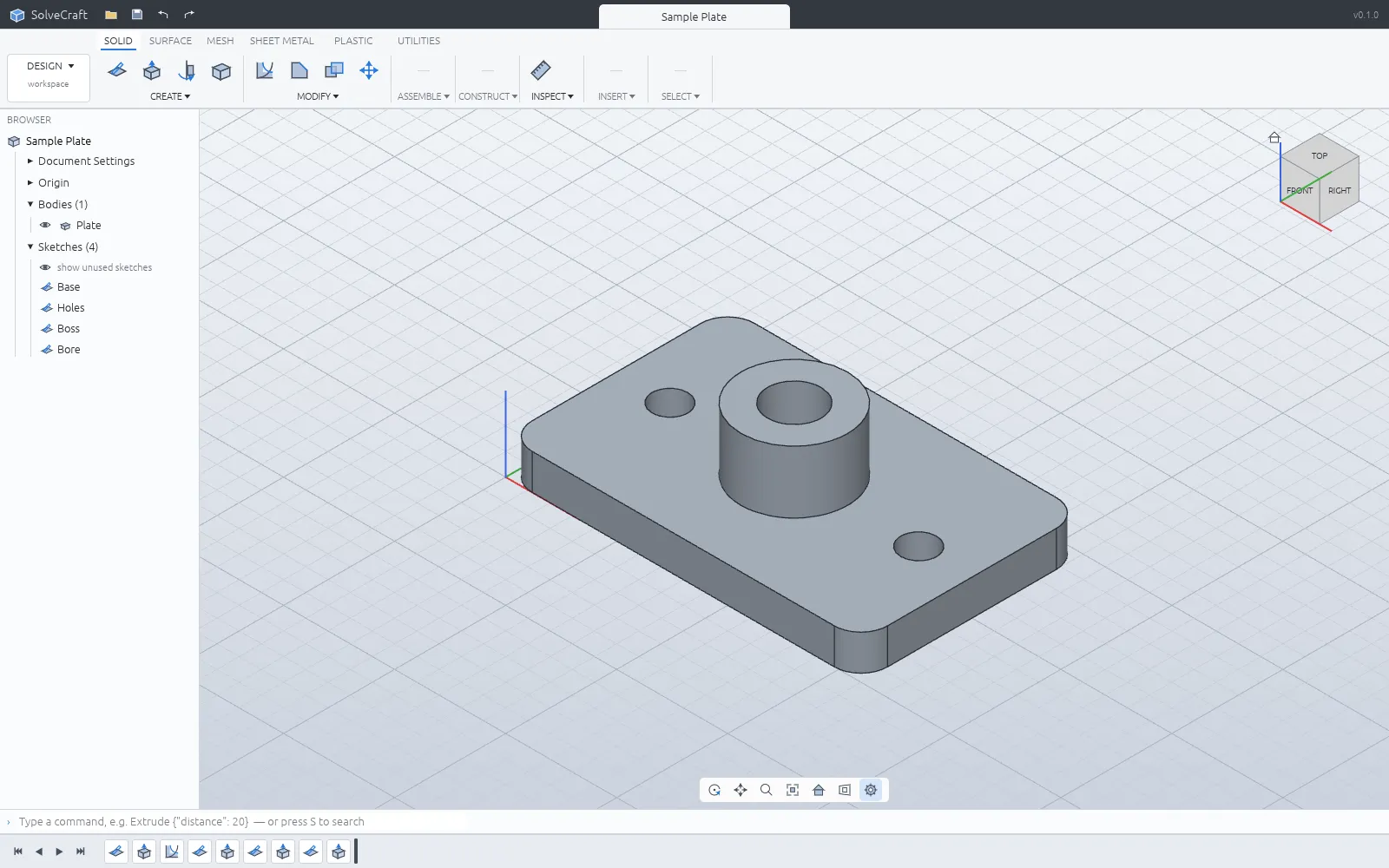
Lines, arcs, splines, slots and text on any plane, with dimensions and constraints solved by its own solver.
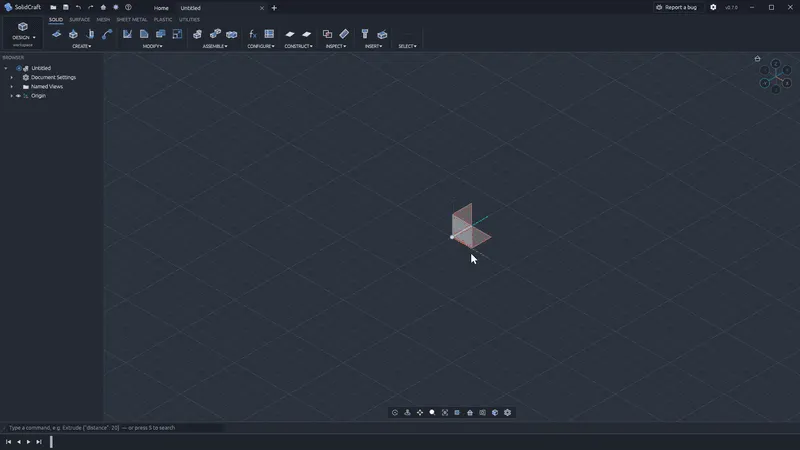
Extrude, revolve, sweep, loft, fillet, shell, holes, threads and patterns — edit any step and it rebuilds.
Screenshots: SolidCraft contributors, MIT OR Apache-2.0.
Get started
The first visit downloads SolidCraft (about 12 MB). After that your browser keeps it, so it opens in a moment.
Open one of the sample parts, or start a new design and sketch on a plane with dimensions and constraints.
Extrude, revolve, fillet and shell on the timeline, then export STEP, STL, 3MF or OBJ to your computer.
Compare
| Feature | SolidCraft Online | Autodesk Fusion | SolidWorks | FreeCAD |
|---|---|---|---|---|
| Price | Free | Subscription; free personal tier | Paid licence | Free |
| Runs in the browser | ||||
| No account needed | ||||
| Open source | ||||
| Parametric feature timeline | ||||
| STEP import and export | ||||
| Maturity | Early | Industry standard | Industry standard | Mature |
SolidCraft also exports IGES, 3MF, STL, OBJ and, for robot simulators, URDF.
Desktop app · version 0.13.1 · released 2026-10-15
Prefer a native app? Every link goes straight to the official GitHub release by bherbruck and the SolidCraft contributors.
How to install
How to install
How to install
How to install
Verify your download
Compare the file’s SHA-256 hash with SHA256SUMS.txt from the release. On macOS or Linux run shasum -a 256 <file>; on Windows run certutil -hashfile <file> SHA256. Older versions and release notes are on the GitHub releases page .
Yes. SolidCraft is free, open-source software (MIT or Apache-2.0), and this page lets you use its web version without paying, installing anything or creating an account.
SolidCraft is an independent community project by bherbruck and its contributors (github.com/bherbruck/solidcraft). It is not made by the ArtCraft team; we host it next to the Crafting Apps because it is built the same way.
Its own .solidcraft designs; STEP (AP203/AP214/AP242) and IGES import and export; 3MF, STL and OBJ for 3D printing; and URDF for robot simulators.
Its author calls it early but usable for simple parts, and checks it against reference parts computed analytically or with FreeCAD. For complex production work, test it first.
The desktop builds are not code-signed yet. On Windows choose More info, then Run anyway; on macOS right-click SolidCraft in Applications and choose Open the first time.
No. The official site is bherbruck.github.io/solidcraft. This is an independent page that hosts the unmodified official web build (without its offline service worker).
Like SolidCraft, the Crafting Apps are free, open-source desktop-class apps you can run in your browser. See all apps