
EffectCraft Online – Free Motion Graphics & After Effects Alternative
Preparing EffectCraft…
First visit downloads the editor once (≈17 MB). After that it opens instantly from your browser cache. Nothing you draw is uploaded.
Preparing EffectCraft…
First visit downloads the editor once (≈17 MB). After that it opens instantly from your browser cache. Nothing you draw is uploaded.
Free · Open source · In your browser
The open-source After Effects alternative, running right here. Compositions, keyframes, a graph editor, 306 effects, expressions, 3D cameras and Lottie export.
About the app
EffectCraft is a free, open-source compositor for animated titles, motion graphics and compositing — the work people reach for After Effects to do. The panels, menus, shortcuts and keyframe behaviour follow After Effects. It is written in Rust by the ArtCraft team and runs on Windows, macOS, Linux and in the browser.
It is very young — its first commit was on 1 October 2026 — and its authors say it is not yet a replacement for After Effects on client work. After Effects .aep projects cannot be opened, plug-ins do not run, and behaviour still differs in places.
EffectCraft is one of the Crafting Apps, alongside VectorCraft, the free Illustrator alternative.
EffectCraft features
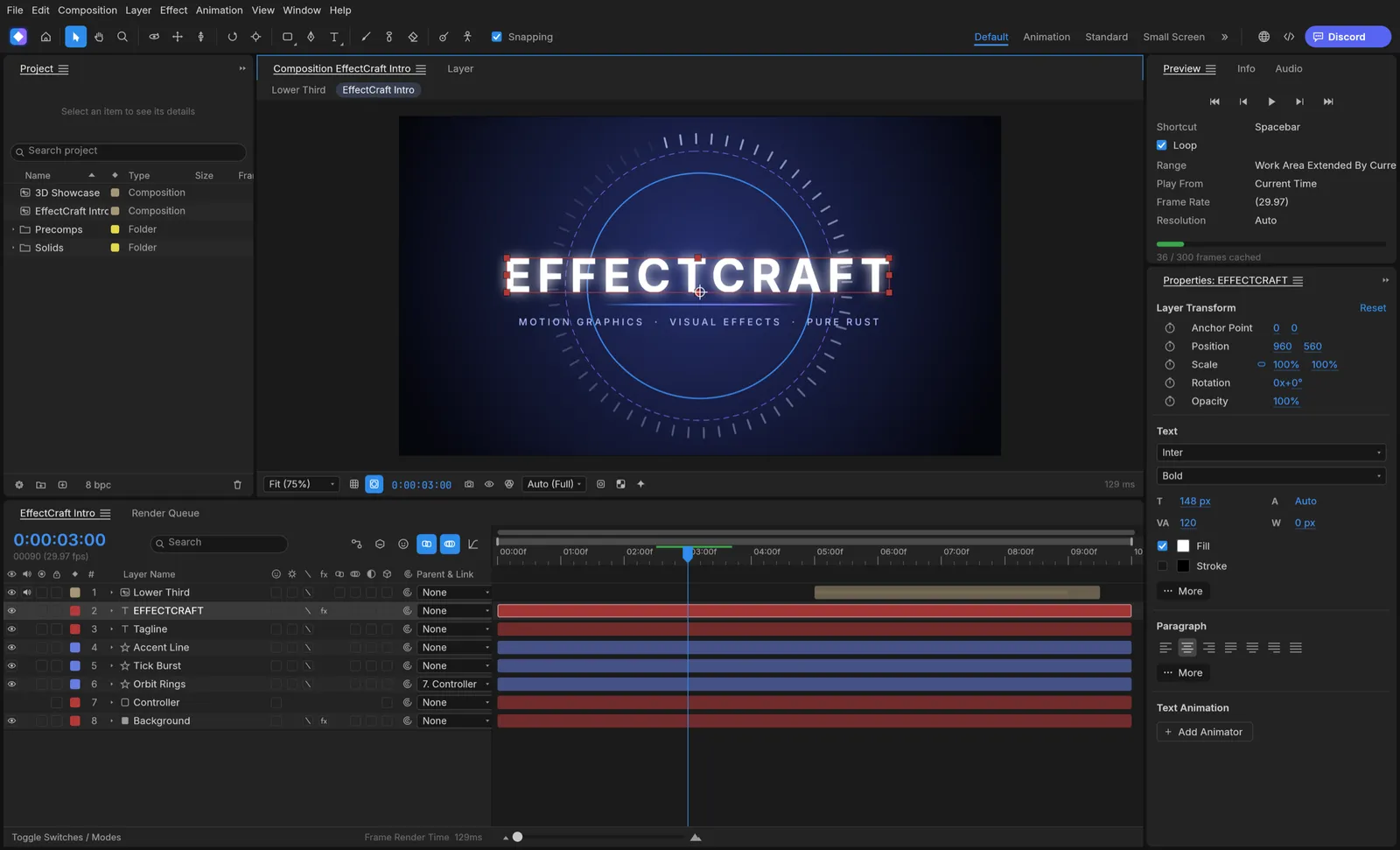
Solids, shapes, text, footage, precomps, nulls, adjustment layers, track mattes and 38 blend modes.
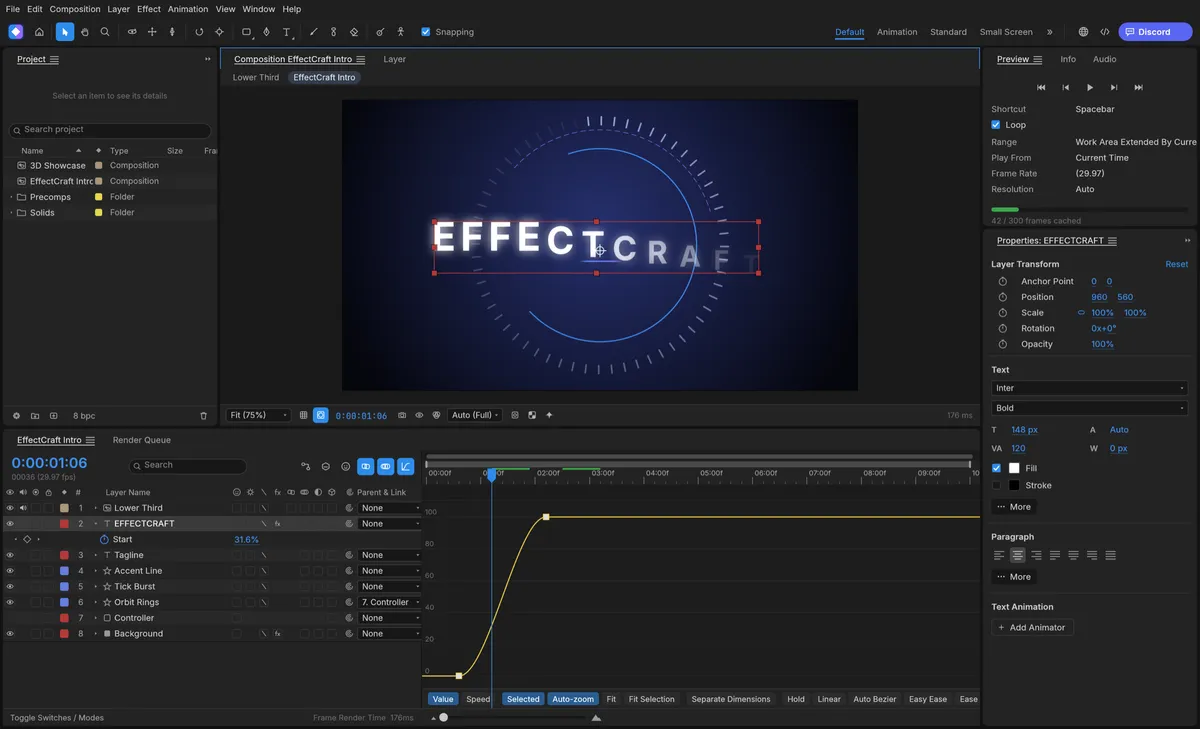
Bezier, hold and roving keys, Easy Ease and a graph editor with value and speed graphs.
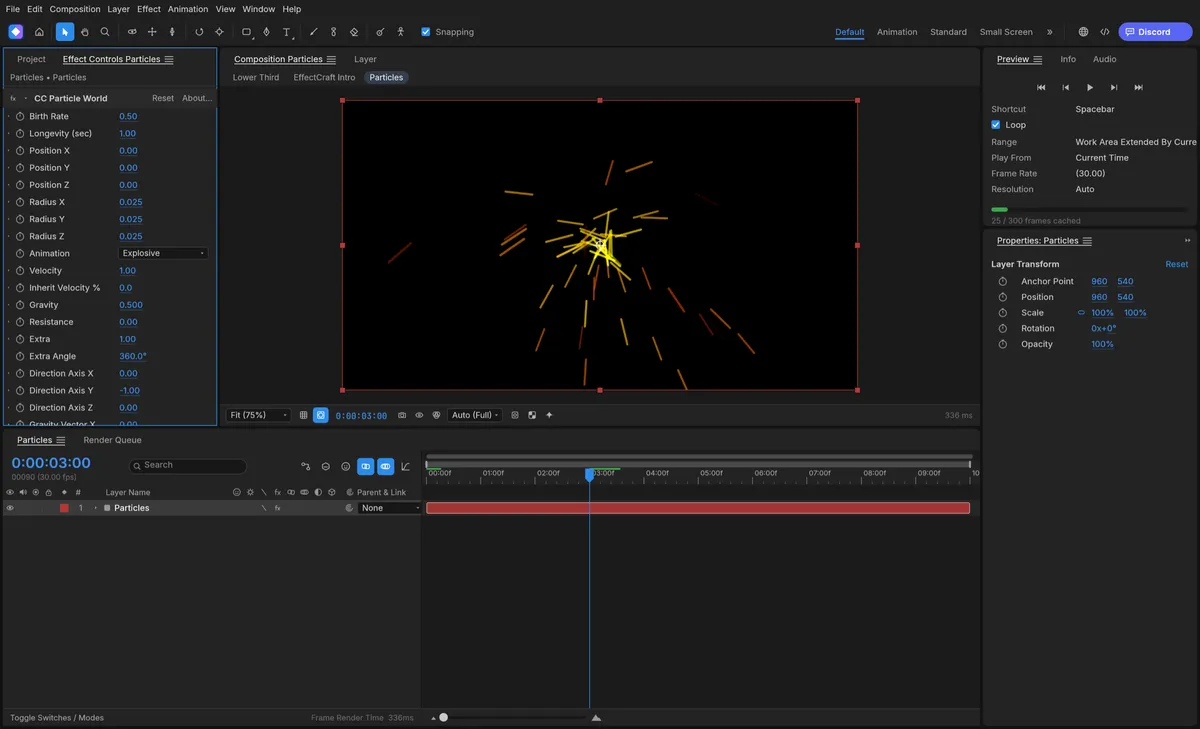
Effects and layer styles organised like After Effects’ Effects & Presets panel, stacked on any layer.
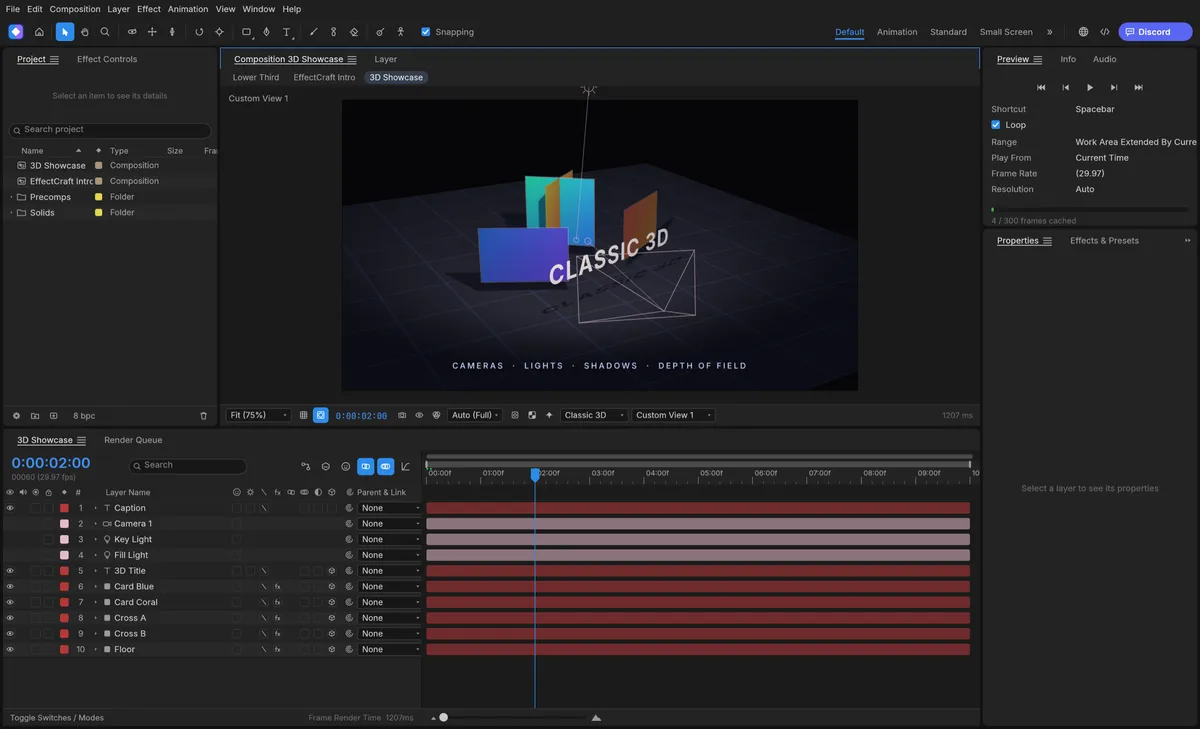
Move layers in 3D space and frame them with cameras and lights.
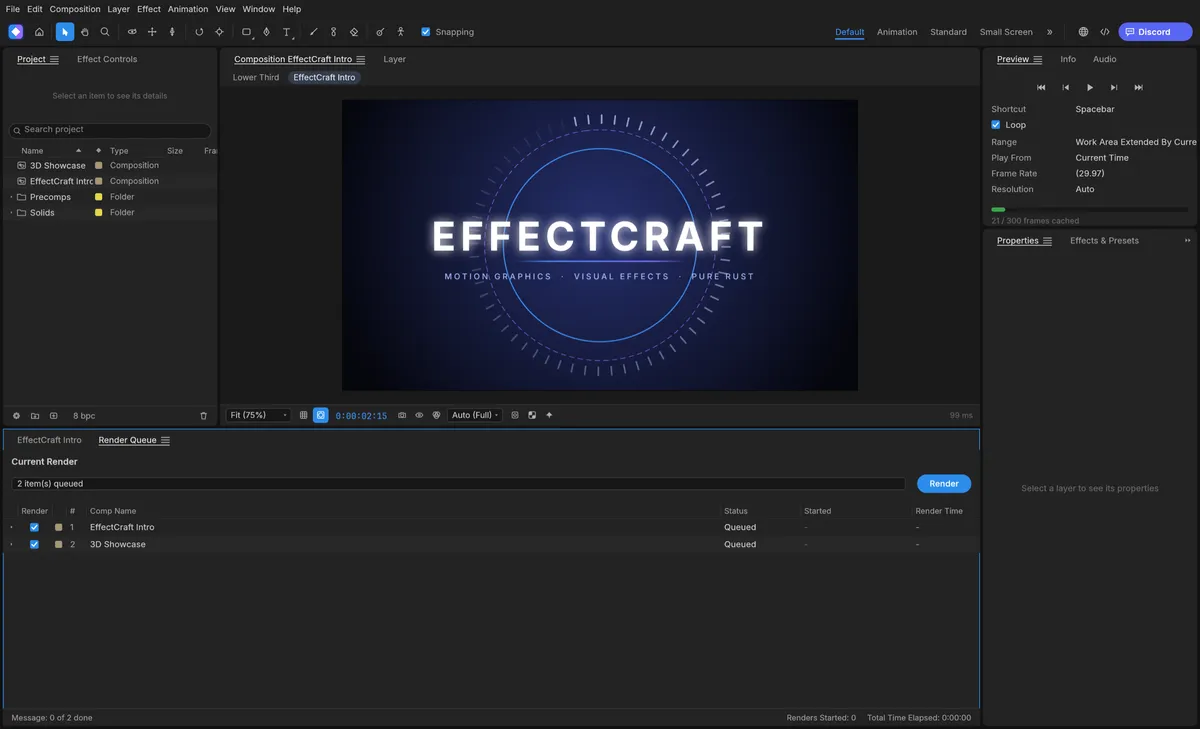
Render video with its own encoders — no FFmpeg — or export Lottie animations for the web and apps.
Screenshots: EffectCraft contributors, MIT OR Apache-2.0.
Get started
The first visit downloads EffectCraft (about 17 MB). It opens with a sample composition you can play with.
Add solids, shapes, text and footage as layers, then animate their properties with keyframes.
Stack effects, tune the motion in the graph editor, then render a video or export Lottie.
Compare
| Feature | EffectCraft Online | Adobe After Effects |
|---|---|---|
| Price | Free | Subscription |
| Runs in the browser | ||
| No account needed | ||
| Open source | ||
| Expressions (JavaScript) | ||
| Lottie export built in | With a plug-in | |
| Opens .aep projects | ||
| Third-party plug-ins | ||
| Maturity | Early (Oct 2026) | Industry standard |
EffectCraft projects are versioned JSON (.ecproj), so they diff cleanly in version control.
Desktop app · version 0.10.0 · released 2026-10-14
Prefer a native app? Every link goes straight to the official GitHub release by ArtCraft team.
How to install
How to install
How to install
How to install
Verify your download
Compare the file’s SHA-256 hash with SHA256SUMS.txt from the release. On macOS or Linux run shasum -a 256 <file>; on Windows run certutil -hashfile <file> SHA256. Older versions and release notes are on the GitHub releases page .
Yes. EffectCraft is free, open-source software (MIT or Apache-2.0), and this page lets you use its web version without paying, installing anything or creating an account.
No. It cannot open .aep or .aepx files, and After Effects plug-ins do not run. Its own projects are readable, versioned JSON (.ecproj).
Yes — JavaScript expressions with the After Effects object model, such as wiggle, loopOut and thisComp.layer(), with an inline editor and the pick-whip.
Yes. Lottie import and export are built in, so animations can go straight to websites and apps without a plug-in.
No. EffectCraft is made by the ArtCraft team (getartcraft.com). This is an independent page that hosts the unmodified official web build.
Yes. Signed builds for Windows, macOS, Linux and FreeBSD are linked in the download section below, straight from the official GitHub release.
EffectCraft, the free After Effects alternative, is one of the ArtCraft team’s open-source Crafting Apps. See all apps