
PhotoCraft Online – Free Photoshop Alternative in Your Browser
Preparing PhotoCraft…
First visit downloads the editor once (≈11 MB). After that it opens instantly from your browser cache. Nothing you draw is uploaded.
Preparing PhotoCraft…
First visit downloads the editor once (≈11 MB). After that it opens instantly from your browser cache. Nothing you draw is uploaded.
Free · Open source · In your browser
The open-source Photoshop alternative, running right here. Layers, masks, adjustment layers, layer styles and real PSD files. No install, no account, and your images never leave your device.
About the app
PhotoCraft is a free, open-source image editor that recreates the Adobe Photoshop workflow — menus, panels, tools and shortcuts where your hands expect them. It is written from scratch in Rust by the ArtCraft team and runs on Windows, macOS, Linux, FreeBSD and in the browser, which is how you can use it on this page.
It is early, alpha software. It already has 67 tools, 16 adjustment layers, layer styles, smart objects, a real brush engine and faithful PSD support, but its authors say it is not yet ready for everyday professional work.
PhotoCraft is one of the Crafting Apps, alongside VectorCraft, the free Illustrator alternative.
PhotoCraft features
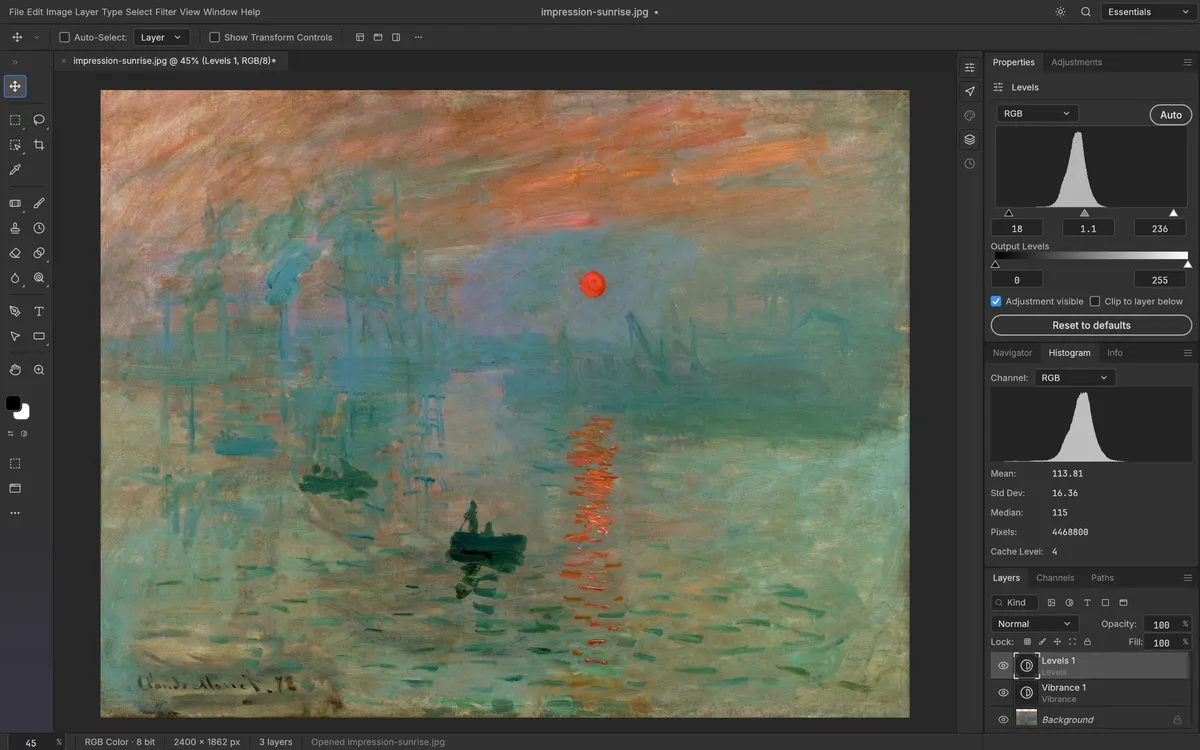
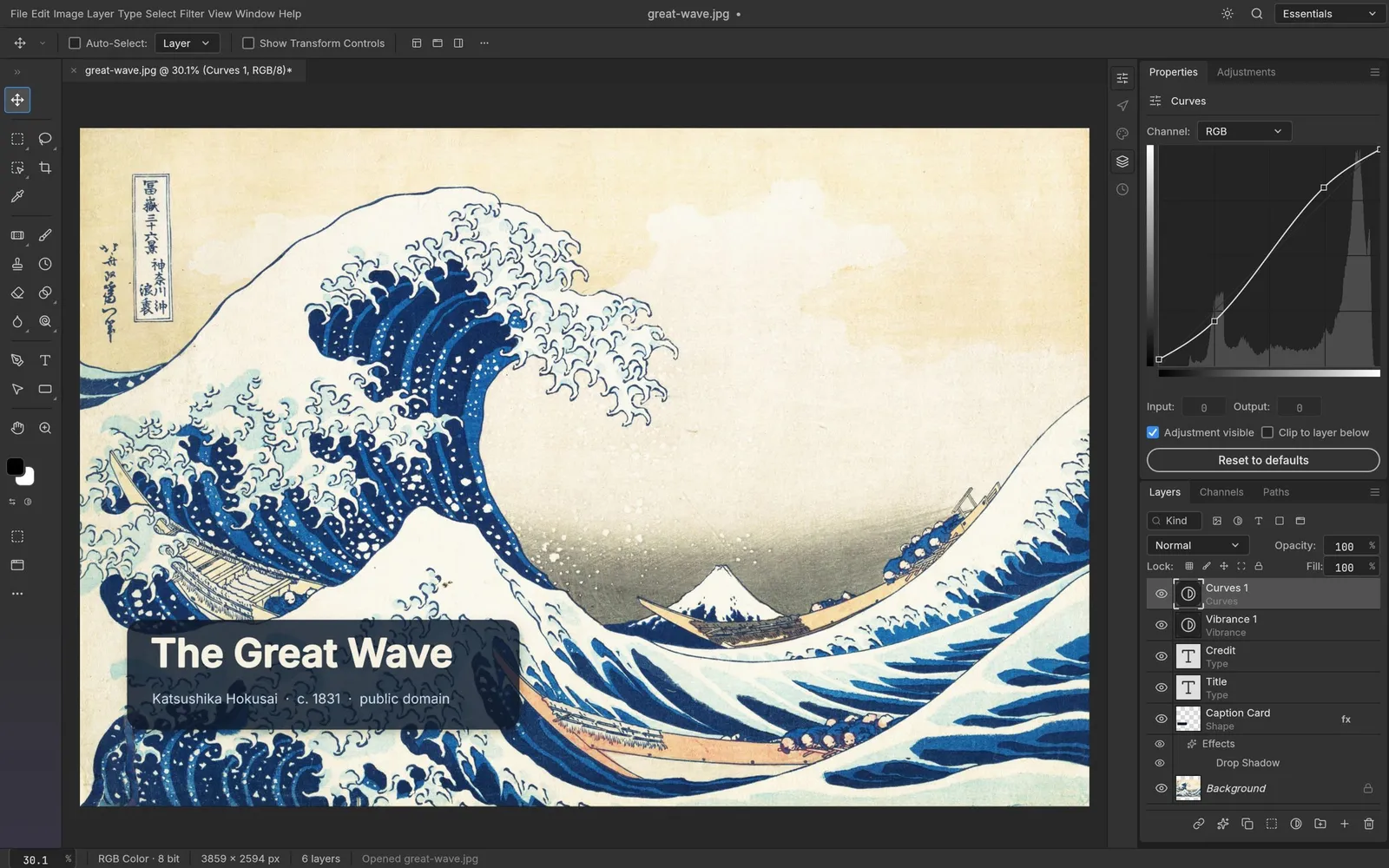
Levels, Curves, Vibrance, Hue/Saturation and more stay live and maskable, so your original pixels never change.
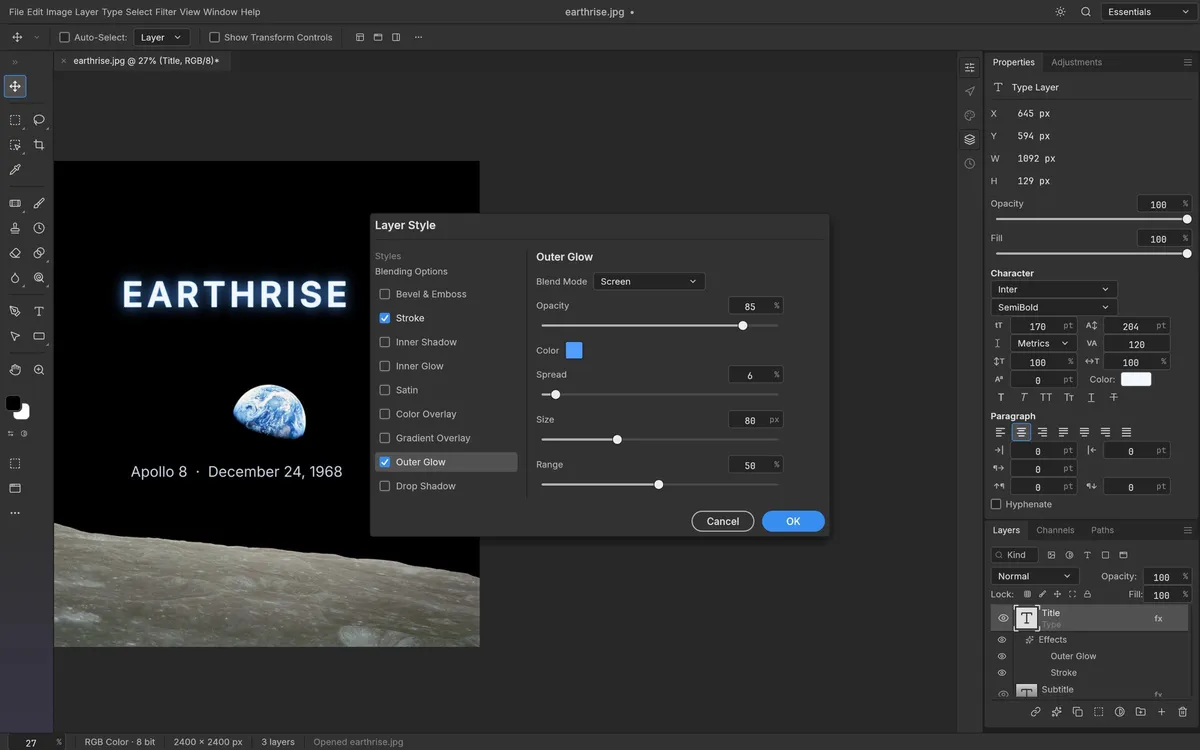
Drop Shadow, Glow, Bevel & Emboss, Stroke and overlays, live on any layer — including type — and read from your PSDs.
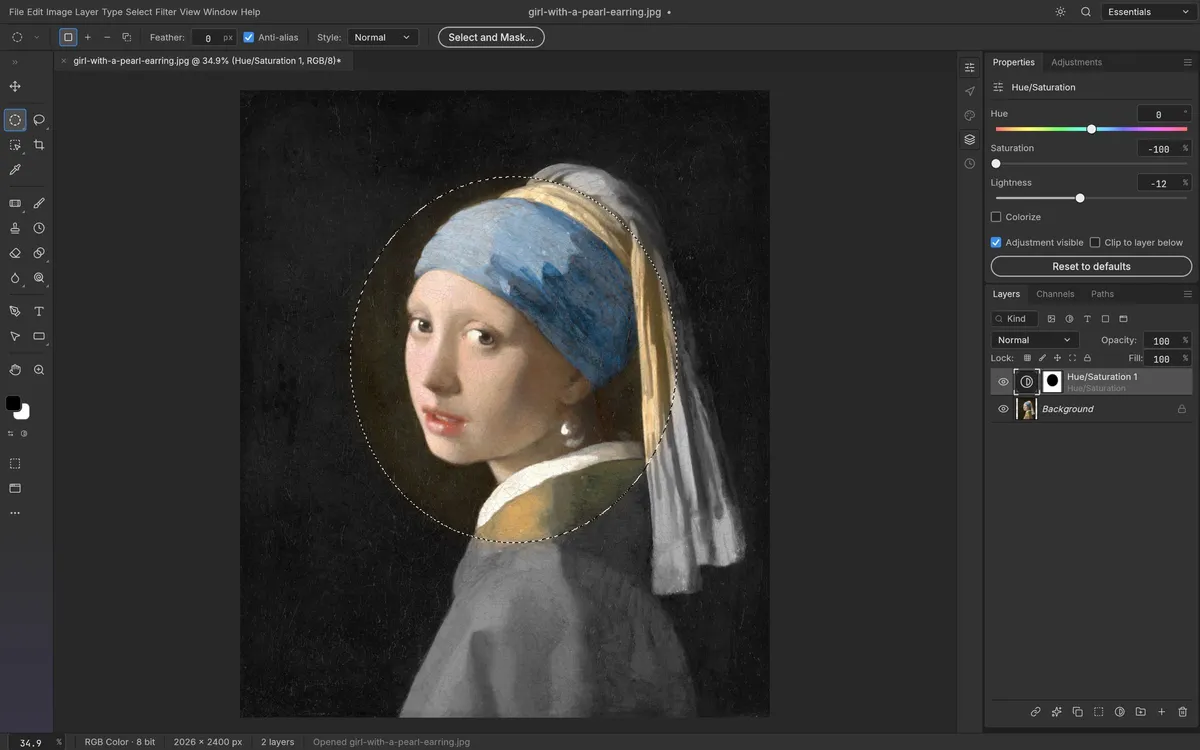
Marquees, lassos, Magic Wand, Quick Selection, Select Subject and Select and Mask, all running on your machine.
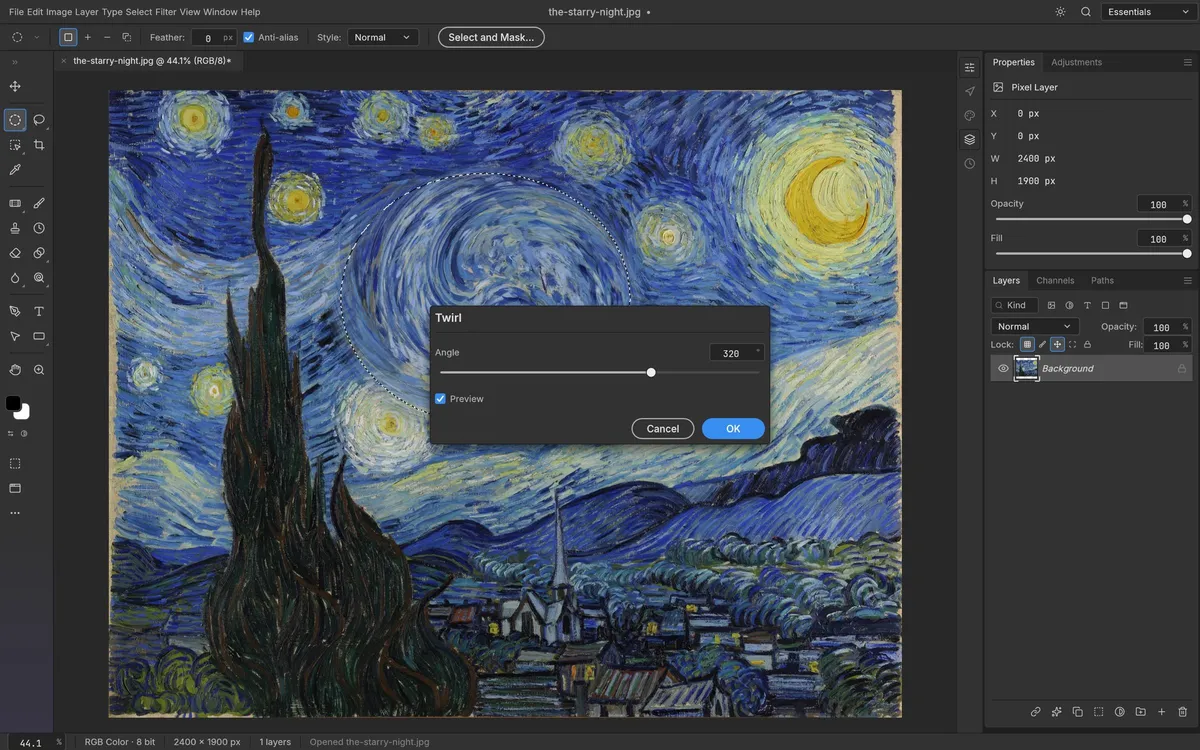
Blurs, sharpening, distortions, Oil Paint, Lens Flare and more, previewed on the canvas and editable as smart filters.
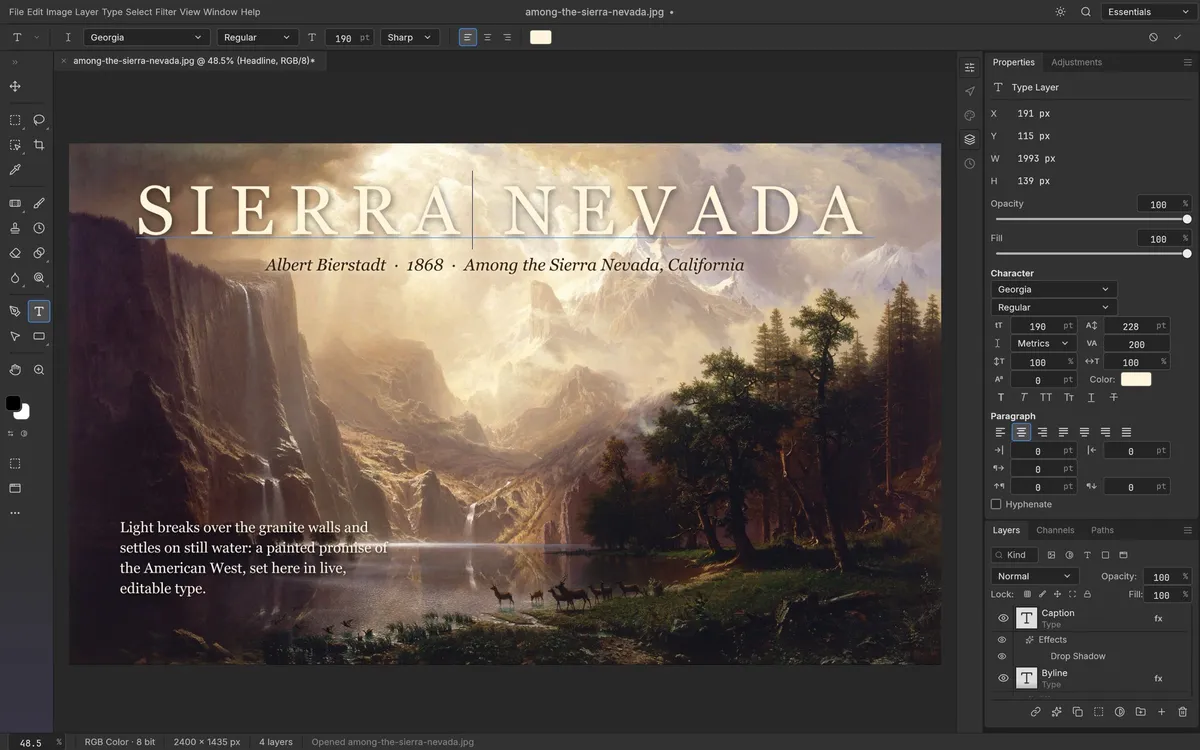
Point and paragraph text edited right on the canvas, with full Character and Paragraph controls.
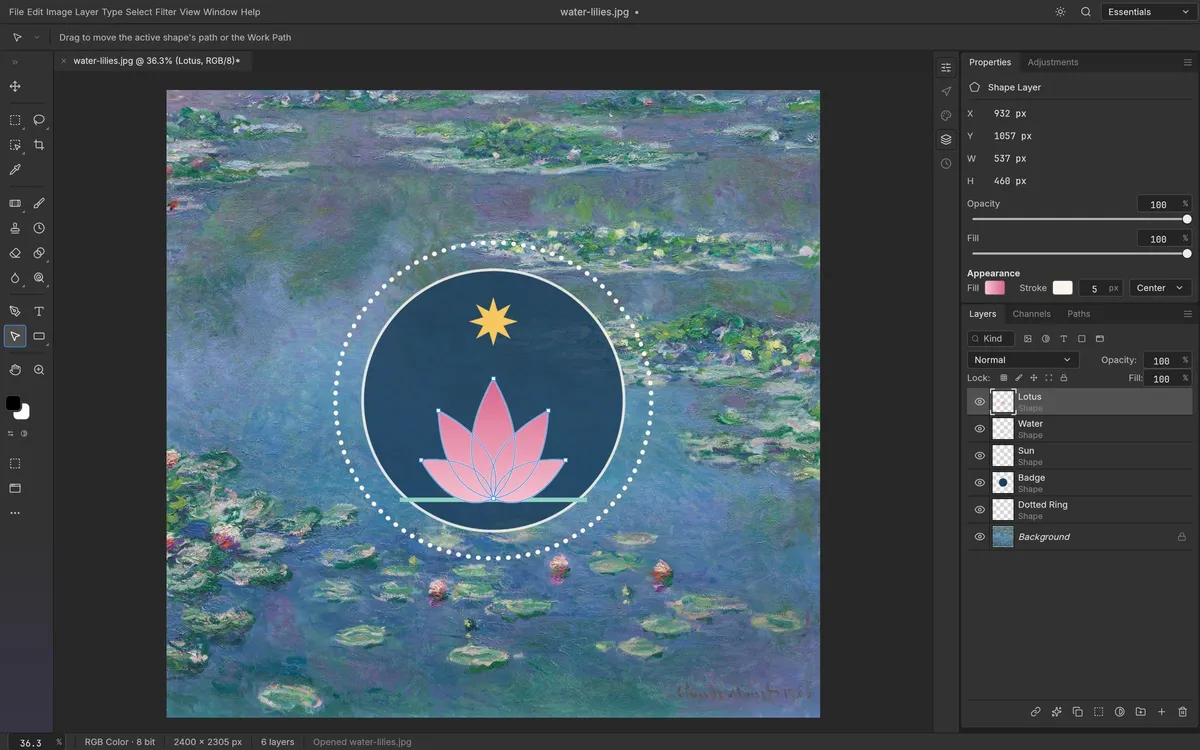
Pen, Curvature Pen and shape tools make resolution-independent shape layers and vector masks.
Screenshots: PhotoCraft contributors, MIT OR Apache-2.0. Artworks shown are in the public domain.
Get started
The first visit downloads the editor (about 11 MB). After that your browser keeps it, so it opens in a moment.
Drop a photo or PSD onto the editor, use File › Open, or start a new document with File › New.
Work with layers, adjustments and filters. Export As and Quick Export download straight to your computer.
Compare
| Feature | PhotoCraft Online | Adobe Photoshop | Photopea | GIMP |
|---|---|---|---|---|
| Price | Free | From $22.99/mo | Free with ads | Free |
| Runs in the browser | With subscription | |||
| No account needed | ||||
| Open source | ||||
| No ads inside the editor | ||||
| Layered PSD files | Partial | |||
| Photoshop-style tools & shortcuts | ||||
| Maturity | Alpha | Industry standard | Mature | Mature |
Prices as of October 2026; Photopea also sells an ad-free premium plan. Read the full PhotoCraft vs Photoshop comparison.
Desktop app · version 0.9.0 · released 2026-10-14
Prefer a native app? Every link goes straight to the official GitHub release by ArtCraft team.
How to install
How to install
How to install
How to install
Verify your download
Compare the file’s SHA-256 hash with SHA256SUMS.txt from the release. On macOS or Linux run shasum -a 256 <file>; on Windows run certutil -hashfile <file> SHA256. Older versions and release notes are on the GitHub releases page .
Yes. PhotoCraft is free, open-source software (MIT or Apache-2.0), and this page lets you use its web version without paying, installing anything or creating an account.
No. PhotoCraft is made by the ArtCraft team, whose official site is getartcraft.com. This is an independent page that hosts the unmodified official web build so you can use it instantly.
Yes. It opens, edits and saves layered PSD and PSB files. Its authors report that re-saving keeps the render of 307 of the 309 files in the psd-tools test set, and that layer styles and shape layers are rendered to match Photoshop.
No. PhotoCraft is a WebAssembly app that runs entirely in your browser. Images you open are read locally, and exporting downloads the file to your own computer.
Not yet. PhotoCraft is early, alpha software, and its authors say it is not ready for everyday professional work. It already covers a lot — 67 tools, 16 adjustment layers, layer styles, smart objects and a real brush engine — but expect rough edges.
Photopea is mature, free with ads and closed source. PhotoCraft is open source, has no ads inside its editor, also runs as a native desktop app, and can be driven by scripts and AI agents. This hosting site displays ads outside the editor. Try both: neither needs an install.
A browser gives web apps no access to your installed fonts, so the web build carries only its own interface fonts. The desktop app uses the fonts on your computer.
Yes. Signed builds for Windows, macOS, Linux and FreeBSD are linked in the download section below, straight from the official GitHub release.
Crafting Apps3 min read
PhotoCraft compared with Adobe Photoshop and Photopea in 2026: price, PSD support, tools, what PhotoCraft still lacks, and who should try it.
Read guideCrafting Apps2 min read
PhotoCraft explained: who makes it, what it can do, how good its PSD support is, how it differs from Photopea and GIMP, and how to try it online.
Read guidePhotoCraft, the free Photoshop alternative, is one of the ArtCraft team’s open-source Crafting Apps. See all apps