
DeckCraft Online – Free Presentation Maker & PowerPoint Alternative
Preparing DeckCraft…
First visit downloads the editor once (≈8 MB). After that it opens instantly from your browser cache. Nothing you draw is uploaded.
Preparing DeckCraft…
First visit downloads the editor once (≈8 MB). After that it opens instantly from your browser cache. Nothing you draw is uploaded.
Free · Open source · In your browser
The open-source PowerPoint alternative, running right here. Themes, layouts, 150+ shapes, charts, transitions including Morph, presenter view and real .pptx files.
About the app
DeckCraft is a free, open-source presentation app that recreates the Microsoft PowerPoint workflow: slide masters, layouts, themes, shapes, pictures, tables, charts, transitions and animations. It opens and saves .pptx files, is written in Rust by the ArtCraft team, and runs on Windows, macOS, Linux, FreeBSD and in the browser.
It is alpha software, heading for beta. Its authors measure 79% of PowerPoint’s features by breadth (92% of the core ones) and estimate it is about 55% of the way to replacing PowerPoint for real work.
DeckCraft is one of the Crafting Apps, alongside VectorCraft, the free Illustrator alternative.
DeckCraft features
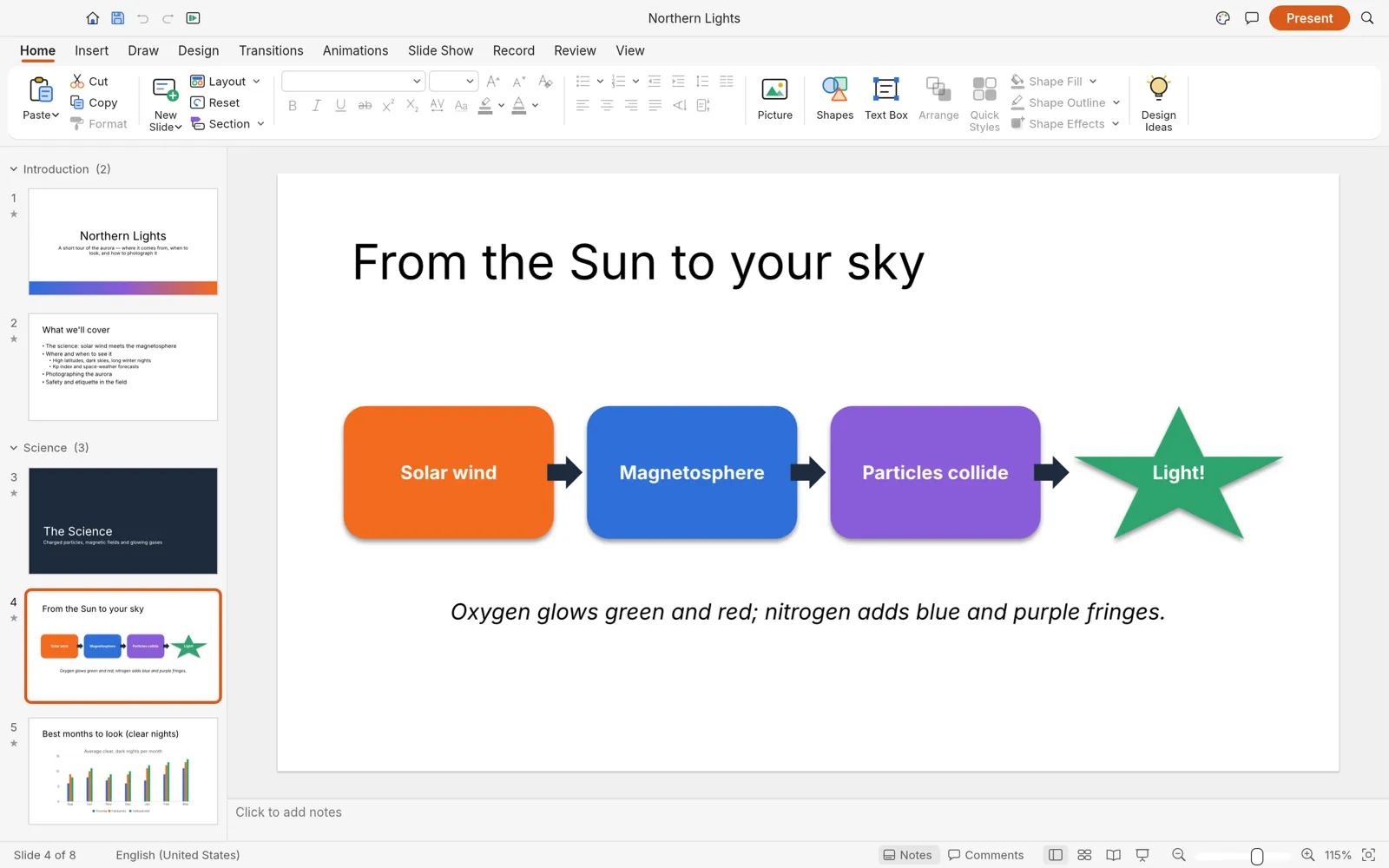
Slide masters, eleven layouts with inheriting placeholders, eight original themes, sections and notes.
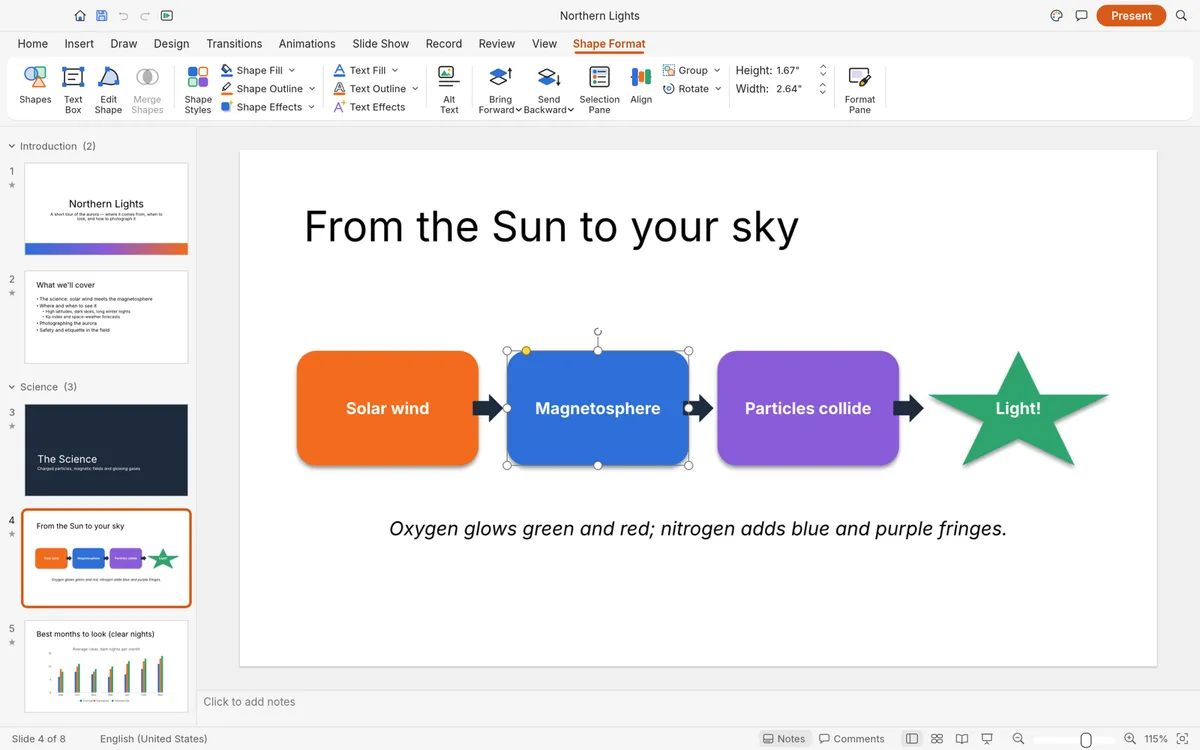
Preset shapes with adjust handles, glued connectors, freeform tools and merge shapes.
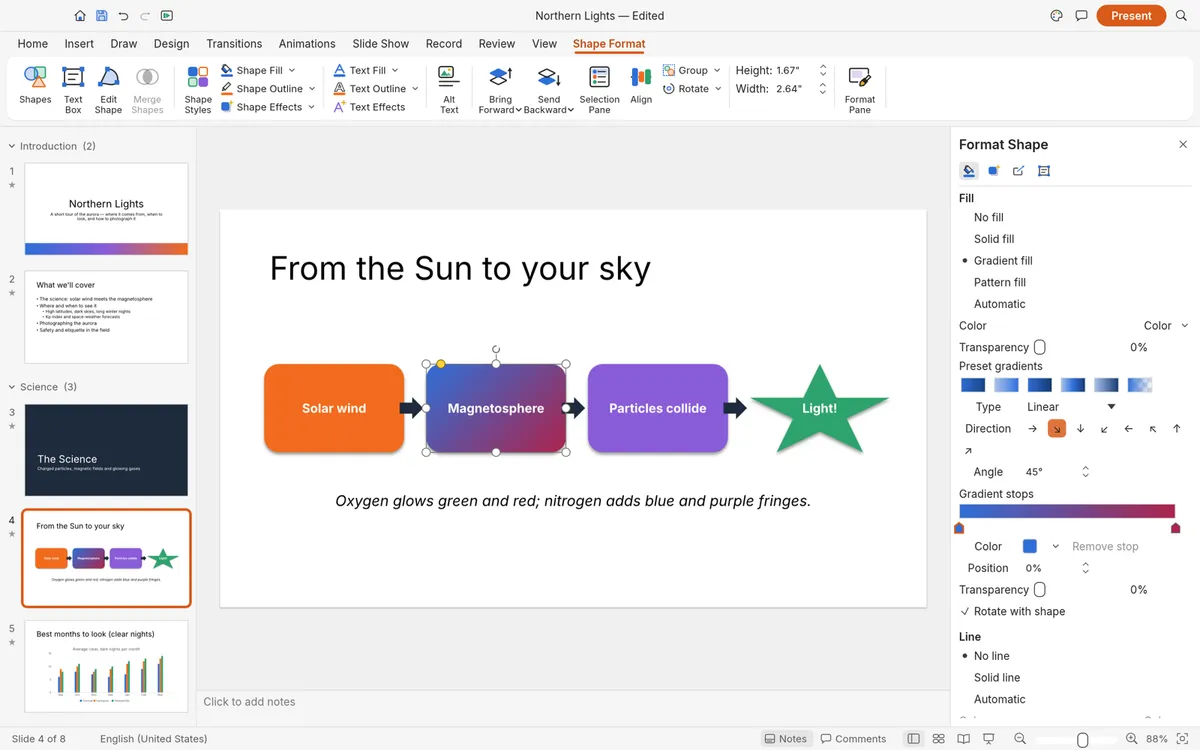
Gradient, picture and pattern fills, outlines, shadows, glow, soft edges and reflections.
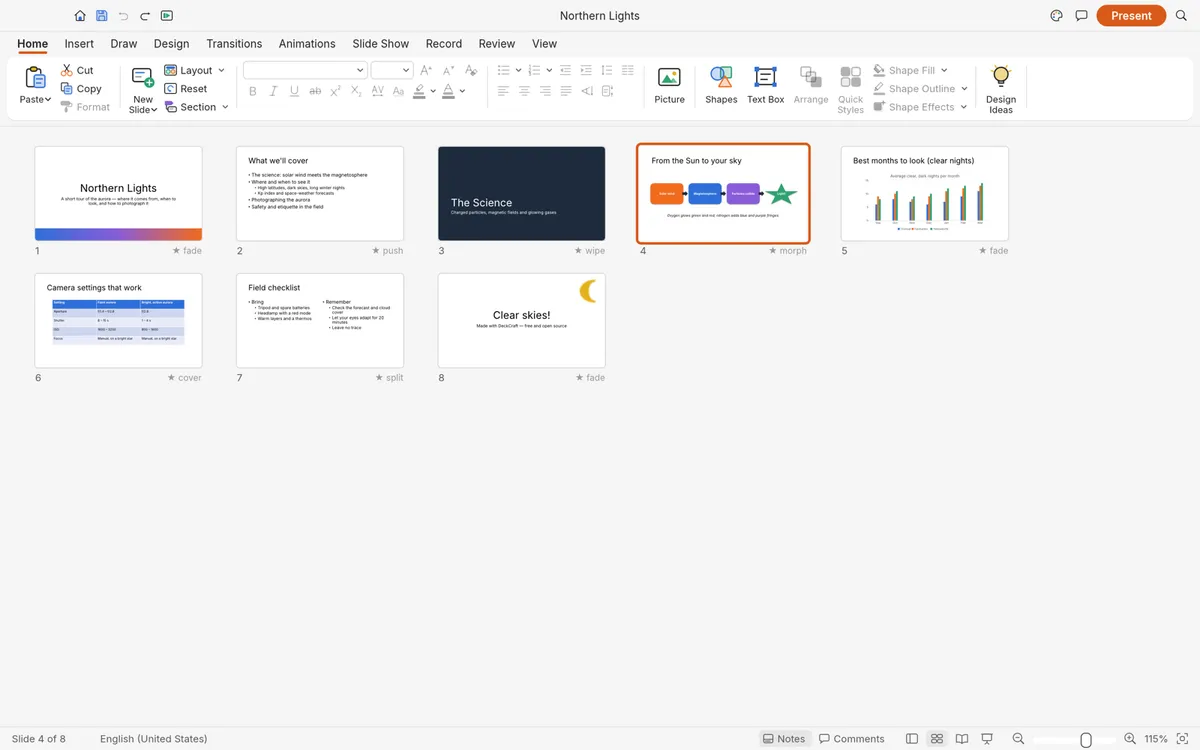
Transitions including Morph, entrance, emphasis, exit and motion-path animations, in the Slide Sorter.
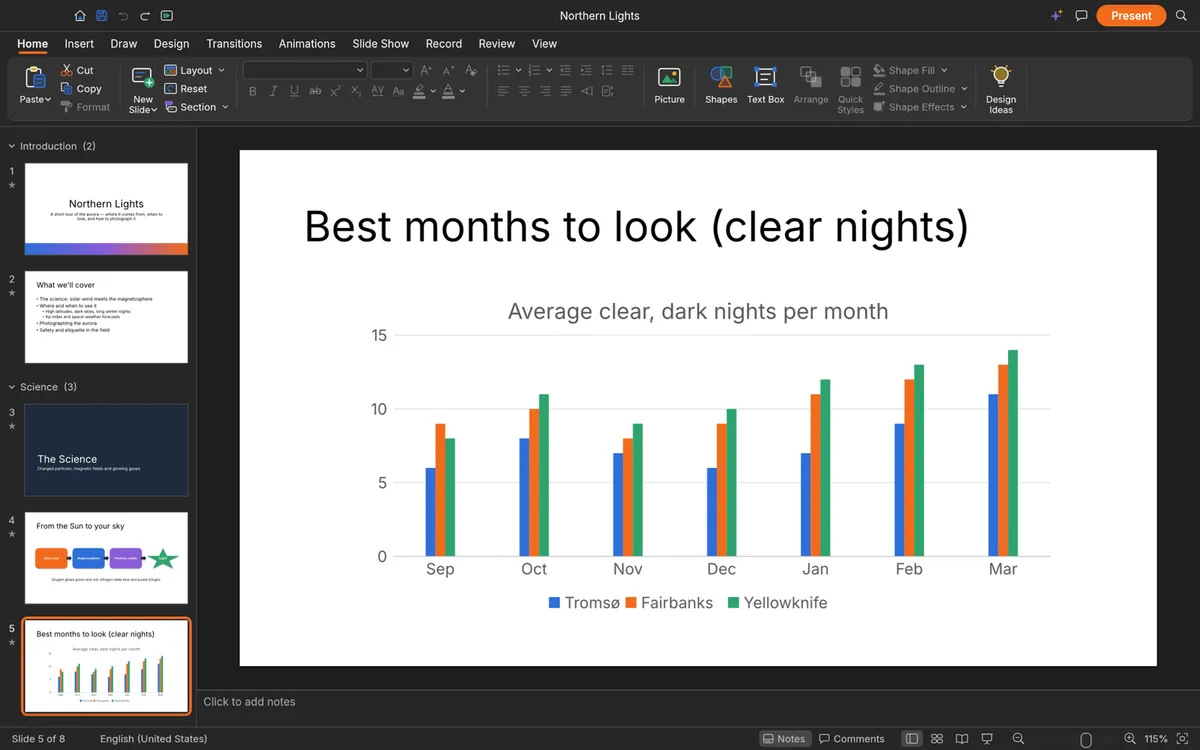
Native charts, styled tables, SmartArt basics, pictures, audio and video — in light or dark mode.
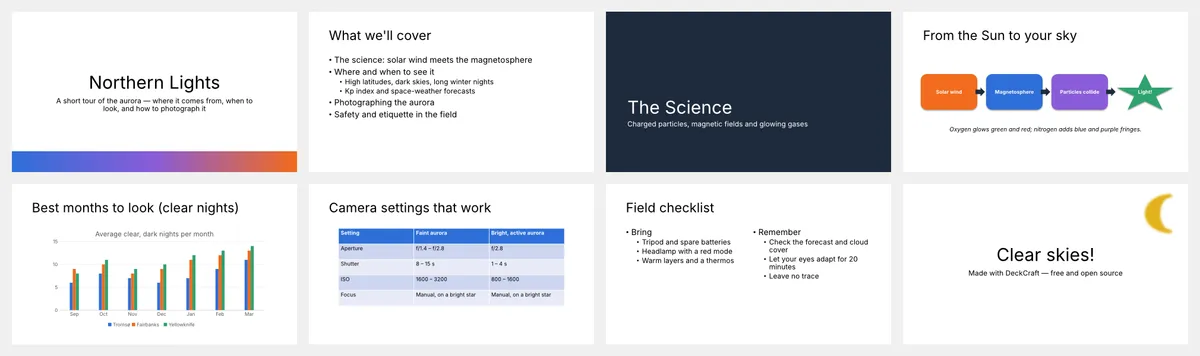
Full-screen slide show with presenter view and pen; export PDF, handouts, PNG and JPEG.
Screenshots: DeckCraft contributors, MIT OR Apache-2.0 (sample deck made in DeckCraft).
Get started
The first visit downloads DeckCraft (about 8 MB). It opens with a sample deck you can edit right away.
Open a PowerPoint .pptx, or start a new deck from one of the eight built-in themes.
Add slides, shapes, pictures and charts, present full screen, then save as .pptx or export a PDF.
Compare
| Feature | DeckCraft Online | Microsoft PowerPoint | Google Slides | LibreOffice Impress |
|---|---|---|---|---|
| Price | Free | Microsoft 365 subscription | Free | Free |
| Runs in the browser | PowerPoint for the web | |||
| No account needed | ||||
| Files stay on your device | Desktop app | |||
| Open source | ||||
| PowerPoint-style ribbon | ||||
| Opens and saves .pptx | ||||
| Maturity | Alpha | Industry standard | Mature | Mature |
DeckCraft keeps unsaved work with AutoRecover and exports PDF with selectable text.
Desktop app · version 0.7.0 · released 2026-10-14
Prefer a native app? Every link goes straight to the official GitHub release by ArtCraft team.
How to install
How to install
How to install
How to install
Verify your download
Compare the file’s SHA-256 hash with SHA256SUMS.txt from the release. On macOS or Linux run shasum -a 256 <file>; on Windows run certutil -hashfile <file> SHA256. Older versions and release notes are on the GitHub releases page .
Yes. DeckCraft is free, open-source software (MIT or Apache-2.0), and this page lets you use its web version without paying, installing anything or creating an account.
Yes. It opens and saves PowerPoint .pptx files, and exports PDF (slides, notes pages and handouts with selectable text), PNG, JPEG and outlines.
Yes: transitions including Morph, entrance, emphasis, exit and motion-path animations, by-paragraph builds, and rehearsed timings.
Yes. Slide Show runs full screen with a presenter view and pen. For a big talk, the desktop app is the safer choice.
For many everyday decks it is close; its authors estimate about 55% of the way for real work overall. Complex .pptx files may not round-trip perfectly yet.
No. DeckCraft is made by the ArtCraft team (getartcraft.com). This is an independent page that hosts the unmodified official web build.
DeckCraft, the free PowerPoint alternative, is one of the ArtCraft team’s open-source Crafting Apps. See all apps