WordCraft is a free, open-source word processor with the Microsoft Word workflow you already know. The ArtCraft team — makers of VectorCraft, PhotoCraft and the other Crafting Apps — wrote it in Rust. It runs on Windows, macOS, Linux, BSD and in the browser, so you can use WordCraft online without installing anything.
Familiar from the first keystroke
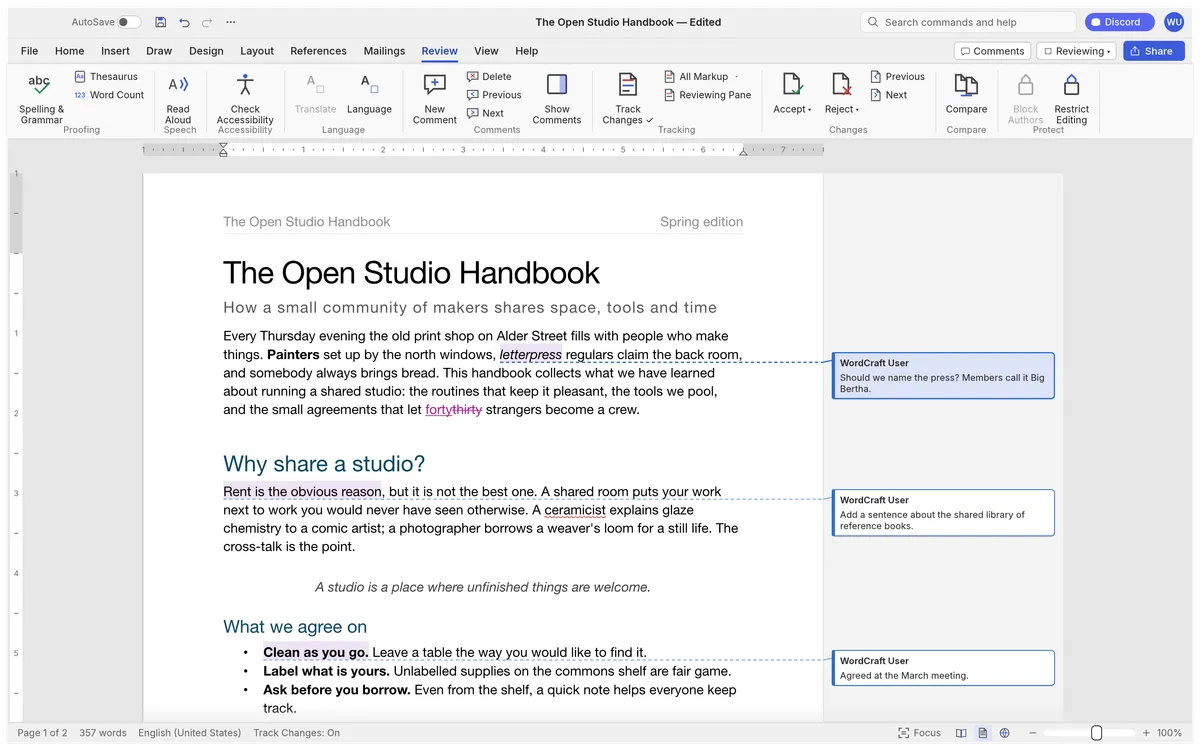
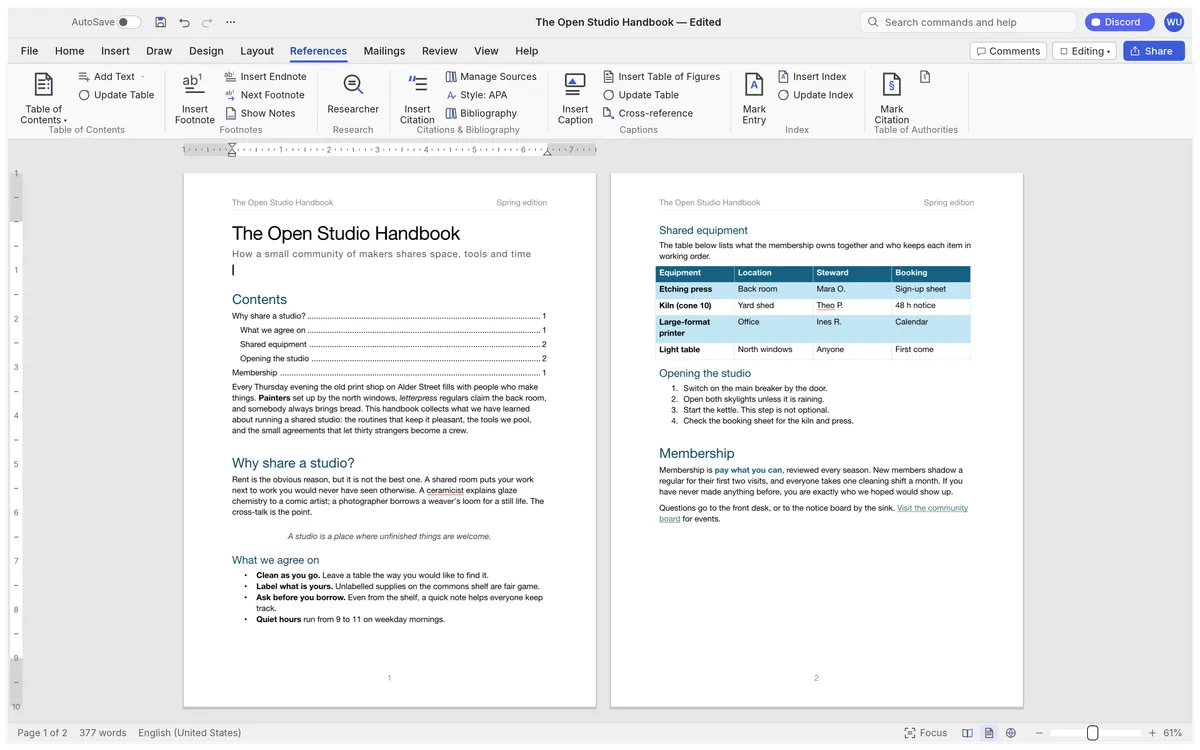
WordCraft copies Word's ribbon tabs, groups, shortcuts and behaviour: Enter continues a list, Tab demotes it, CtrlB bolds the word under the caret, the Styles gallery previews styles live, F4 repeats the last action, F7 checks spelling and F8 extends the selection.
What it can do
- Review: track changes with accept and reject, comment balloons, and spelling and grammar as you type.
- References: tables of contents, footnotes, citations in APA, MLA, Chicago or IEEE, an index and captions.
- Design and layout: themes, style sets, watermarks, page colour and borders; drop caps, text wrapping, automatic hyphenation and line numbers.
- Insert: tables, pictures, shapes, links, headers, footers, fields and symbols.
- Files: .docx in and out, plus .odt, .rtf, .html, Markdown, LaTeX and plain text; Word 97-2003 .doc opens; PDF export keeps text selectable.
- Speed: typing in a 188-page document re-lays it out in about 1.4 ms.
Where it stands
WordCraft is in alpha. Its authors say it covers 88% of Word's ribbon features with commands and estimate it is about 63% of the way there for everyday essentials (around 55% for a typical professional's weekly work). To reach beta they are testing against real-world .docx files, keeping charts and SmartArt through a round trip, matching Word's pagination more closely and adding native printing.
WordCraft vs Word, Google Docs and LibreOffice
Microsoft Word is the reference for .docx and needs a Microsoft 365 subscription. Google Docs is free and collaborative but stores documents in Google's cloud and has its own interface. LibreOffice Writer is free and open source but desktop-only with a different layout. WordCraft is open source, has Word's ribbon, keeps documents on your device, and runs in a browser.
Try it
Open WordCraft Online, load the sample handbook or your own .docx, and save it back when you are done.
Questions people ask
Which file formats does WordCraft support?
It opens and saves .docx, .odt, .rtf, .html, .md, .tex and .txt, opens Word 97-2003 .doc files, and exports PDF with selectable text, links and bookmarks.
Does WordCraft work offline?
Yes. Spelling, grammar and everything else work offline in the desktop app, and the browser version runs locally once it has loaded.
Can AI agents use WordCraft?
Yes. Every action is a command with an id, and the same 422 commands are available from a command-line tool, a JSON control channel and an MCP server.
Try WordCraft right now
The full editor runs in your browser. No install, no account.