This tutorial takes you from an empty screen to an exported SVG in about fifteen minutes. Everything works the same in the browser version on this site and in the desktop app.
1. Open VectorCraft
The quickest way is VectorCraft Online: the editor loads on the home page (about 19 MB the first time, then from your browser cache). Press Full screen above the editor for more room. If you prefer a native app, pick your system on the download page.
2. A quick tour of the workspace
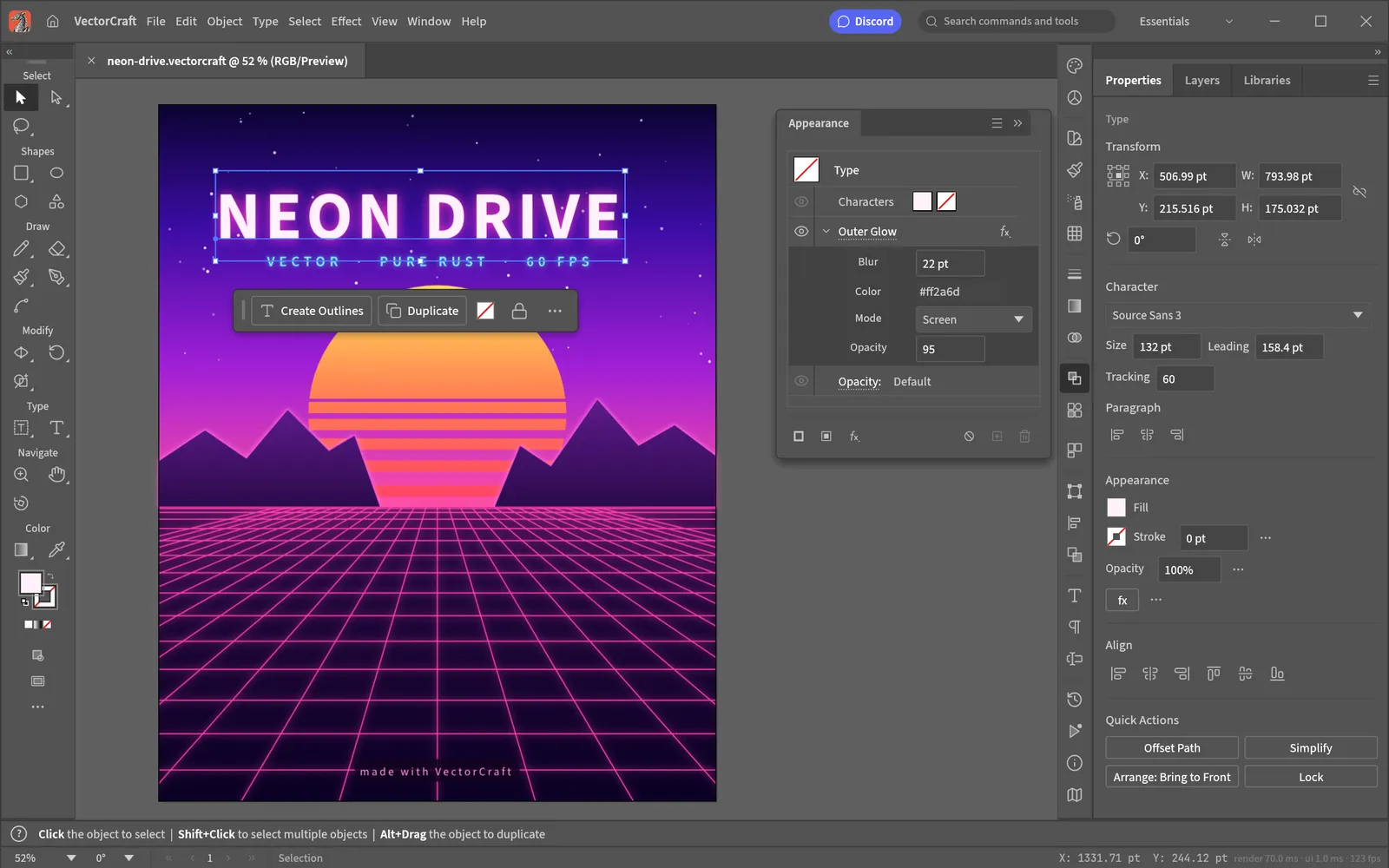
- Menu bar — File, Edit, Object, Type, Select, Effect, View, Window and Help, in the same order as Illustrator.
- Toolbar (left) — tools grouped like Illustrator's Advanced toolbar. Hover a tool to see its name and shortcut.
- Canvas (middle) — your artboards. A contextual task bar appears under the selection with the most likely next actions.
- Panels (right) — Properties, Layers, Appearance, Swatches and more. Open any other panel from the Window menu.
- Status bar (bottom) — zoom level and hints for the current tool.
Can't find a command? Press CmdShift/ to open Search Commands and type its name.
3. Create a document
Choose File › New… (CmdN in the desktop app) or click New on the welcome screen. Pick a preset — Letter, A4, Web 1920×1080, Mobile 390×844, Postcard or a 1080×1080 social square — or enter your own size. You can change it later in File › Document Setup… (CmdAltP).
4. Draw basic shapes
- Press M for the Rectangle tool and drag on the artboard.
- Press L for the Ellipse tool and drag again.
- Press V for the Selection tool to move, resize and rotate whole objects.
Set colours in the Properties or Swatches panel: the fill is the inside of a shape, the stroke is its outline. Turn on Smart Guides (CmdU) to snap shapes to each other while you drag.
5. Draw curves with the Pen tool
The Pen tool is the heart of any vector editor.
- Press P.
- Click to place corner points; click and drag to place smooth points with Bézier handles.
- Click the first point again to close the shape, or press Enter to finish an open path. Esc also ends the path.
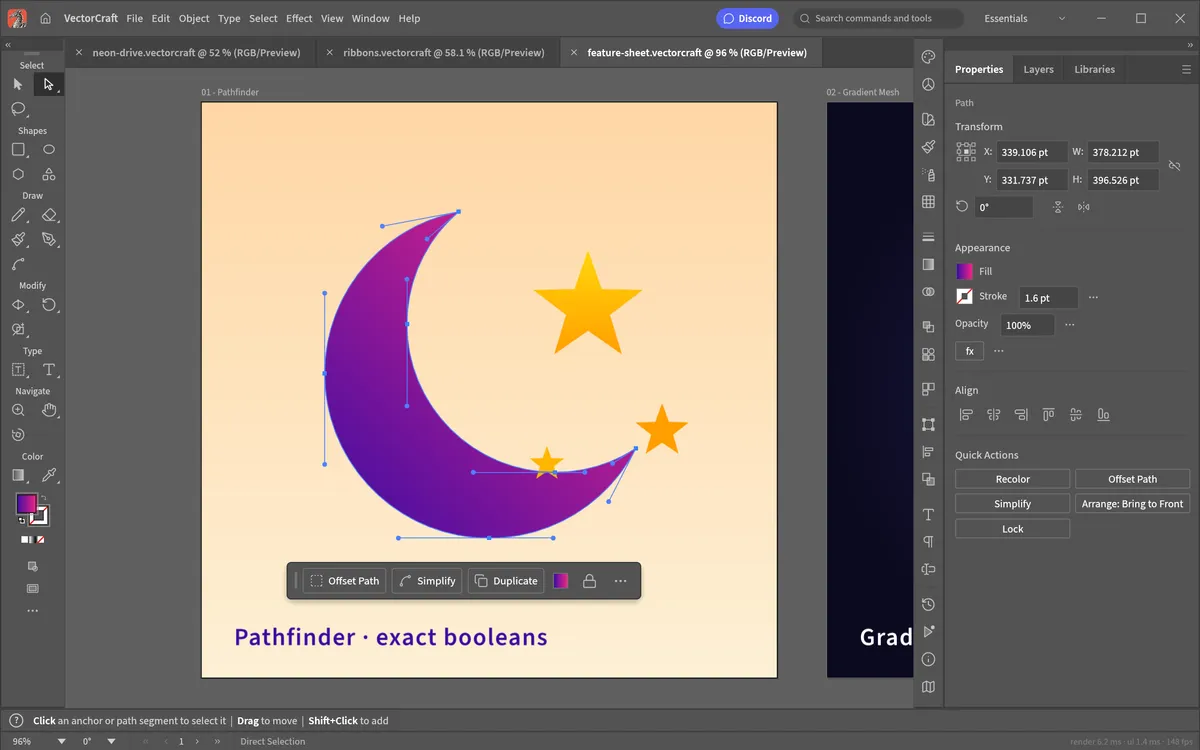
- Press A for Direct Selection and drag individual anchors or handles to refine the curve.
Need to fix a path? + adds anchor points, - removes them and ShiftC (Anchor Point tool) converts between corners and curves. Prefer something gentler? The Curvature tool (Shift~) builds smooth curves from simple clicks.
6. Combine shapes
Complex icons are usually simple shapes combined:
- Shape Builder (ShiftM): select overlapping shapes, then drag across the regions you want to merge. Hold the modifier shown in the status bar to remove regions instead.
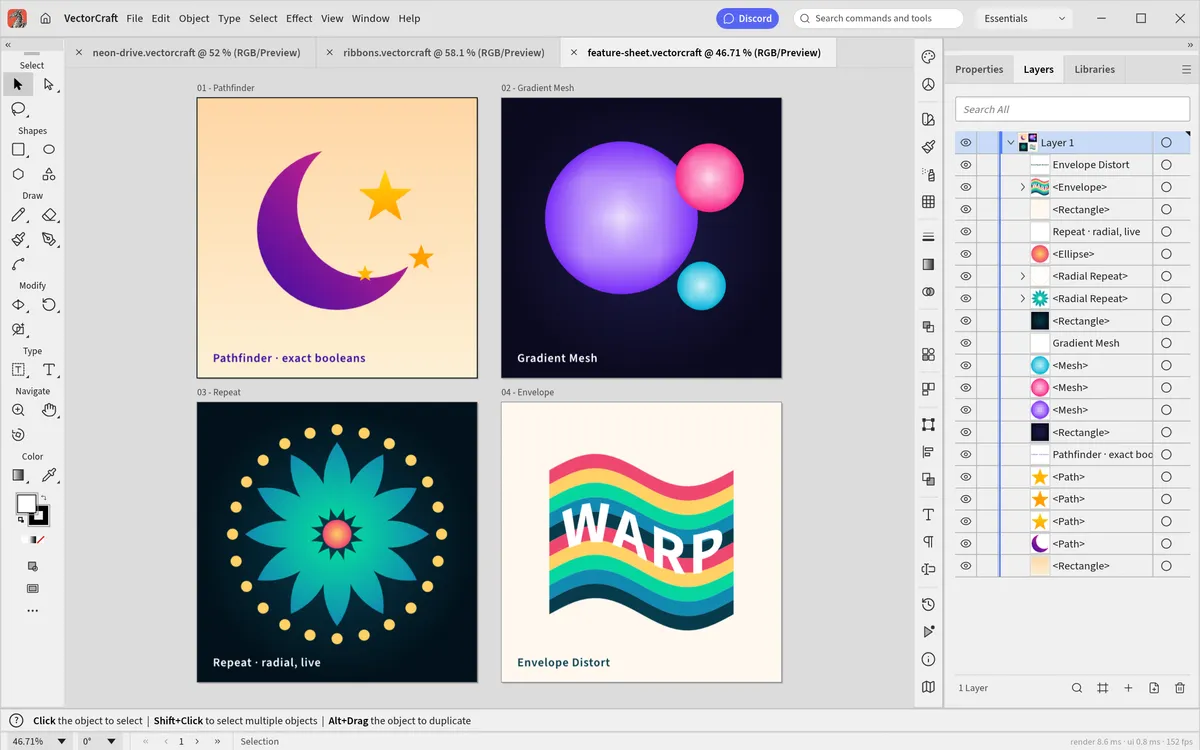
- Pathfinder (Window › Pathfinder): Unite, Minus Front, Intersect and Exclude. VectorCraft's booleans are exact, so you will not see the "cannot perform operation" error.
Then tidy up: Group with CmdG (CmdShiftG to ungroup) and change stacking order with Cmd] and
Cmd[.
7. Add text
Press T, click on the artboard and type. Change the font, size and spacing in the Character settings of the Properties panel. To turn text into editable shapes for a logo, use Type › Create Outlines.
8. Save and export
- File › Save (CmdS) — the editable
.vectorcraftfile. In the browser it downloads to your computer; open it again with File › Open… (CmdO). - File › Export › Export As SVG… for the web and other vector apps, or Export As… for PNG, JPEG and WebP. File › Save as PDF… makes a PDF for print.
- Export for Screens (CmdAltE) — several artboards or sizes in one go.
Where to go next
- Learn the VectorCraft keyboard shortcuts.
- Turn a logo or sketch into paths with Image Trace.
- See how it stacks up in VectorCraft vs Illustrator.
Questions people ask
Is VectorCraft hard to learn?
Not if you have used Illustrator: the tools, panels and shortcuts follow the same layout. Complete beginners can make a first drawing in about 15 minutes by following this tutorial.
Why does Ctrl+N or Ctrl+W not work in the browser version?
Browsers reserve a few shortcuts (new window, close tab) for themselves. Use the File menu for those commands, or install the desktop app where every shortcut works.
Where is my file saved in VectorCraft Online?
File › Save downloads a .vectorcraft file to your computer’s Downloads folder. Nothing is stored on a server, so keep that file to continue later via File › Open.
Try VectorCraft right now
The full editor runs in your browser. No install, no account.