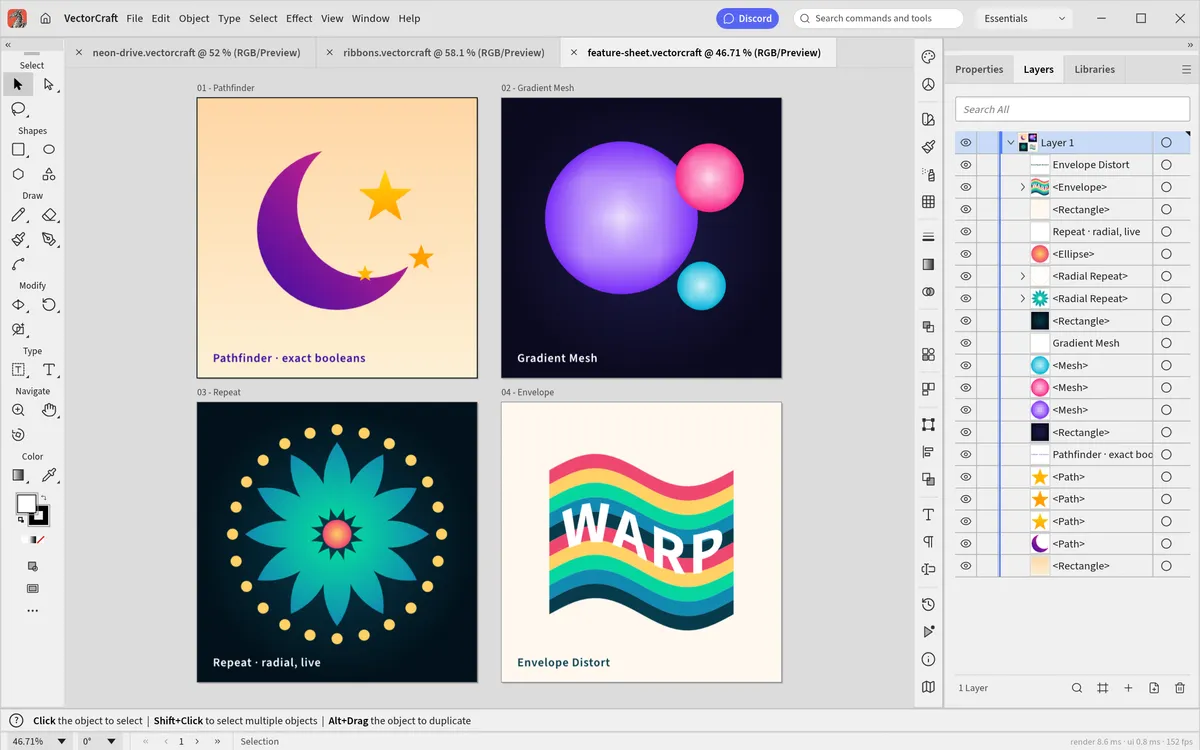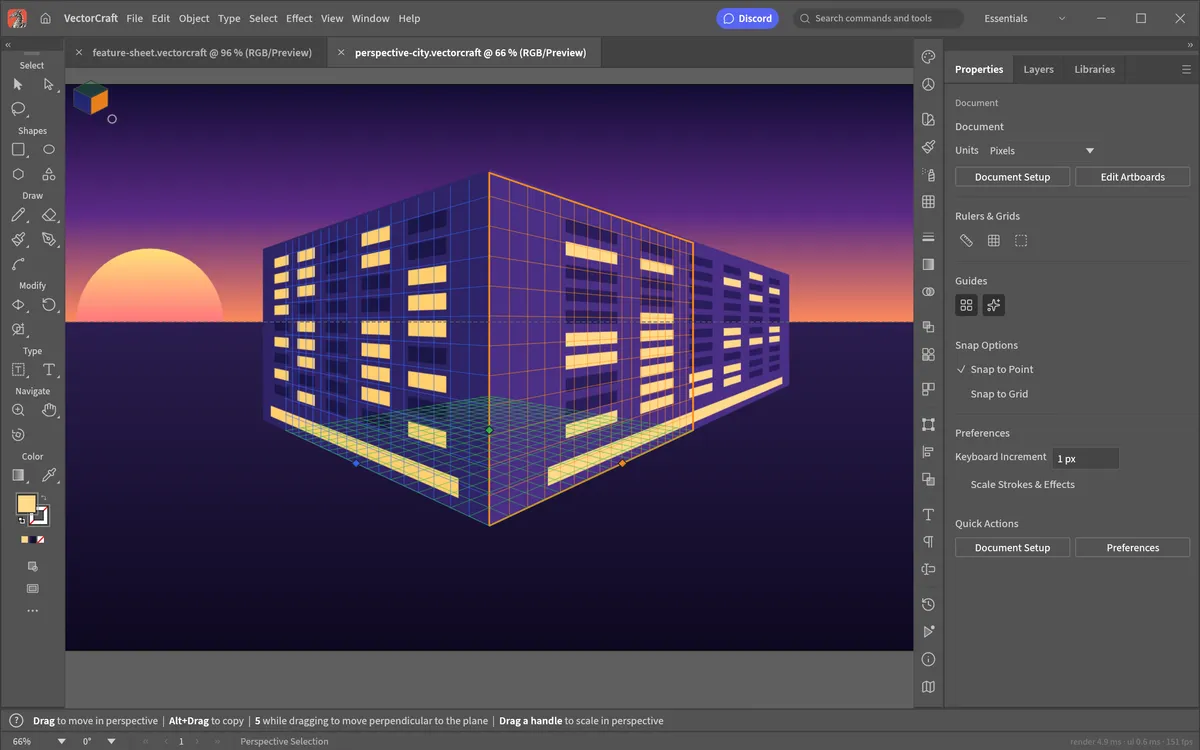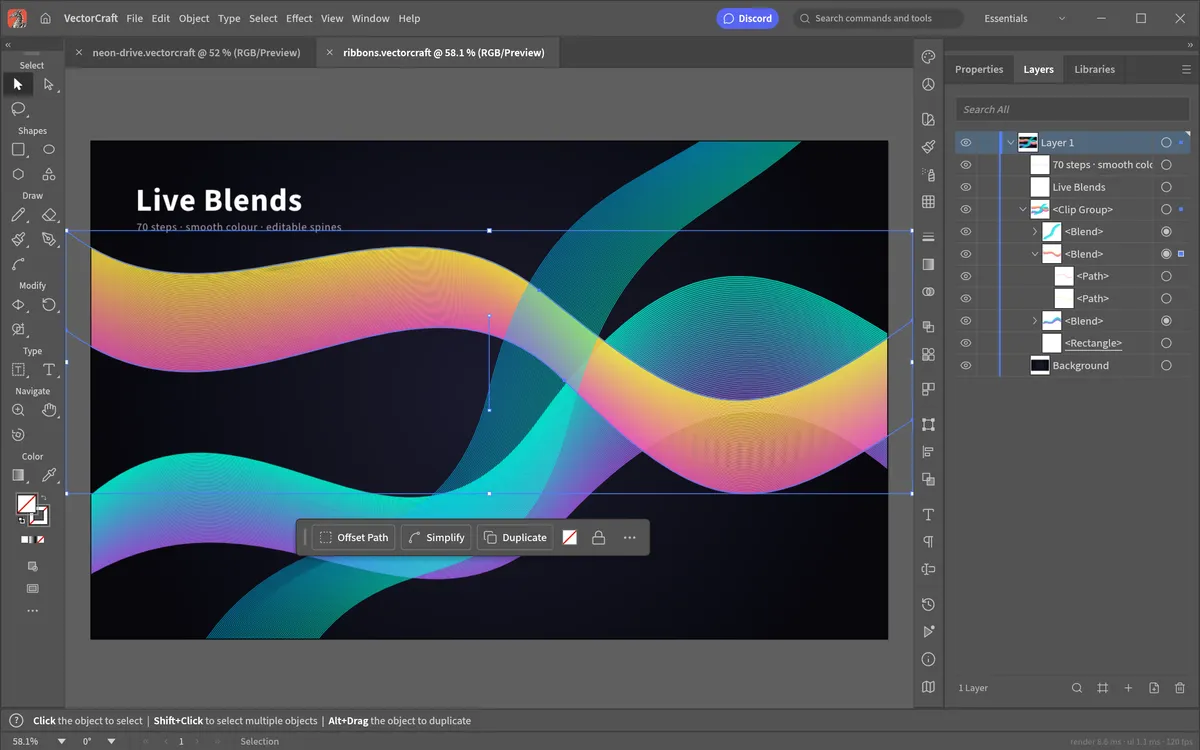
These are the default shortcuts of VectorCraft 0.9, taken from the project's own tool and command definitions. They follow Adobe Illustrator's defaults, so most of your muscle memory carries over.
Tool shortcuts
Press the key once, with no modifier, to switch tools.
| Key | Tool | Key | Tool |
|---|---|---|---|
| V | Selection | A | Direct Selection |
| Y | Magic Wand | Q | Lasso |
| P | Pen | Shift~ | Curvature |
| + | Add Anchor Point | - | Delete Anchor Point |
| ShiftC | Anchor Point | T | Type |
| ShiftT | Touch Type | \ | Line Segment |
| M | Rectangle | L | Ellipse |
| B | Paintbrush | ShiftB | Blob Brush |
| N | Pencil | ShiftN | Shaper |
| ShiftE | Eraser | C | Scissors |
| R | Rotate | O | Reflect |
| S | Scale | E | Free Transform |
| ShiftW | Width | ShiftR | Warp |
| ShiftM | Shape Builder | K | Live Paint Bucket |
| ShiftL | Live Paint Selection | U | Mesh |
| G | Gradient | I | Eyedropper |
| W | Blend | ShiftS | Symbol Sprayer |
| ShiftP | Perspective Grid | ShiftV | Perspective Selection |
| J | Column Graph | ShiftO | Artboard |
| ShiftK | Slice | H | Hand |
| ShiftH | Rotate View | Z | Zoom |
While drawing with the Pen and similar tools, Enter finishes the path and Esc cancels or ends it.
File
| Shortcut | Command |
|---|---|
| CmdN | New… |
| CmdShiftN | New from Template… |
| CmdO | Open… |
| CmdS | Save |
| CmdShiftS | Save As… |
| CmdAltS | Save a Copy… |
| CmdShiftP | Place… (import an image or file) |
| CmdAltE | Export for Screens… |
| CmdAltShiftS | Save for Web (Legacy)… |
| CmdAltP | Document Setup… |
| CmdAltShiftI | File Info… |
| CmdP | Print… |
| F12 | Revert |
| CmdW | Close |
| CmdAltW | Close All |
Edit
| Shortcut | Command |
|---|---|
| CmdZ | Undo |
| CmdShiftZ | Redo |
| CmdX | Cut |
| CmdC | Copy |
| CmdV | Paste |
| CmdF | Paste in Front |
| CmdB | Paste in Back |
| CmdShiftV | Paste in Place |
| CmdAltShiftV | Paste on All Artboards |
| Delete | Clear |
| CmdK | Preferences… |
| CmdShiftK | Color Settings… |
| CmdAltShiftK | Keyboard Shortcuts… |
Object
| Shortcut | Command |
|---|---|
| CmdG / CmdShiftG | Group / Ungroup |
| CmdShift] | Bring to Front |
| Cmd] | Bring Forward |
| Cmd[ | Send Backward |
| CmdShift[ | Send to Back |
| CmdD | Transform Again |
| CmdShiftM | Move… |
| CmdAltShiftD | Transform Each… |
| Cmd2 / CmdAlt2 | Lock Selection / Unlock All |
| Cmd3 / CmdAlt3 | Hide Selection / Show All |
| CmdJ | Join paths |
| CmdAltJ | Average… |
| Cmd7 / CmdAlt7 | Make / Release Clipping Mask |
| Cmd8 / CmdAltShift8 | Make / Release Compound Path |
| CmdAltB / CmdAltShiftB | Make / Release Blend |
| CmdAltC | Envelope Distort › Make with Top Object |
| CmdAltM | Envelope Distort › Make with Mesh… |
| CmdAltShiftW | Envelope Distort › Make with Warp… |
| CmdAltX | Live Paint › Make |
| CmdShiftF8 | Edit Pattern |
Effect
| Shortcut | Command |
|---|---|
| CmdShiftE | Apply Last Effect |
| CmdAltShiftE | Last Effect… (open its dialog) |
View and zoom
| Shortcut | Command |
|---|---|
| Cmd= / Cmd- | Zoom In / Zoom Out |
| Cmd0 | Fit Artboard in Window |
| CmdAlt0 | Fit All in Window |
| CmdY | Outline view |
| CmdAltY | Pixel Preview |
| CmdU | Smart Guides |
| CmdR | Rulers |
| Cmd; | Guides |
| Cmd5 / CmdAlt5 | Make / Release Guides |
| Cmd' | Grid |
| CmdShift' | Snap to Grid |
| CmdAlt' | Snap to Point |
| CmdH | Hide Edges |
| CmdShiftH | Hide Artboards |
| CmdShiftB | Hide Bounding Box |
| CmdShiftI | Show Perspective Grid |
| CmdShift1 | Reset Rotate View |
| ShiftF | Presentation Mode |
| ShiftD | Cycle Drawing Mode |
Panels and help
| Shortcut | Command |
|---|---|
| CmdL | New Layer… |
| CmdShift/ | Search Commands… |
| CmdQ | Quit VectorCraft (desktop) |
Customise your shortcuts
Open Edit › Keyboard Shortcuts… (CmdAltShiftK). You can give any tool, menu command or panel a new key, or remove one. VectorCraft warns you if the key is already taken, and your choices replace the defaults listed above.
Practise them as you go in the beginner tutorial, or open VectorCraft and try a few now.
Questions people ask
Are VectorCraft shortcuts the same as Illustrator?
Mostly. VectorCraft follows Illustrator’s default keys for tools (V, A, P, T, M, L…) and common commands (Cmd+G, Cmd+7, Cmd+8, Cmd+Y). Check the tables here for anything specific.
How do I change a shortcut in VectorCraft?
Open Edit › Keyboard Shortcuts… (Cmd+Alt+Shift+K), find the tool or command and record a new key. Your choice overrides the default.
Do shortcuts use Cmd or Ctrl?
VectorCraft writes Cmd, which means Command on a Mac and Ctrl on Windows and Linux. Alt is Option on a Mac.
Try VectorCraft right now
The full editor runs in your browser. No install, no account.