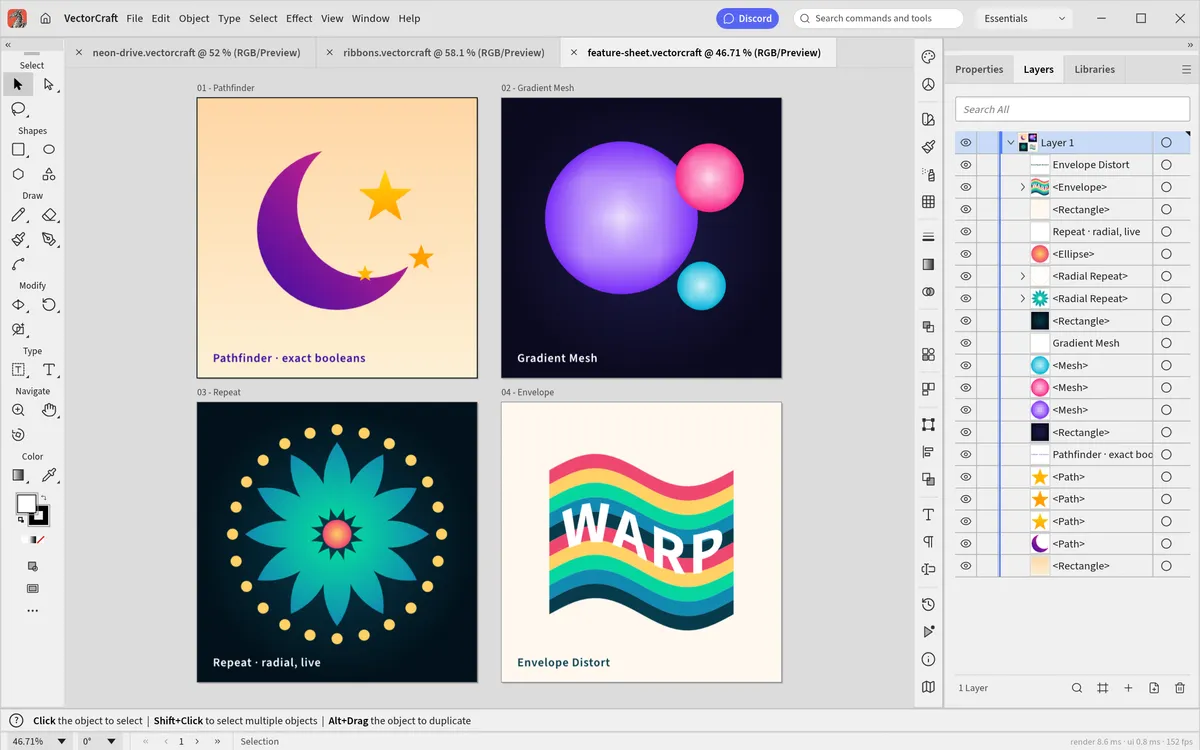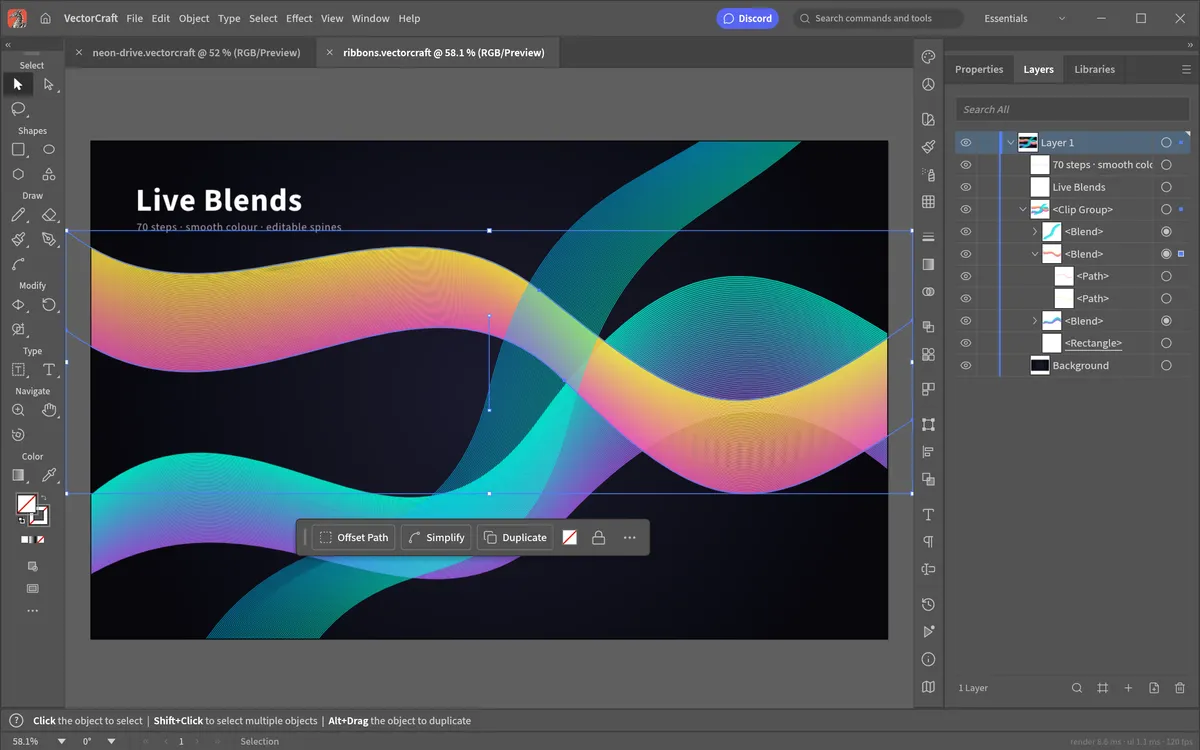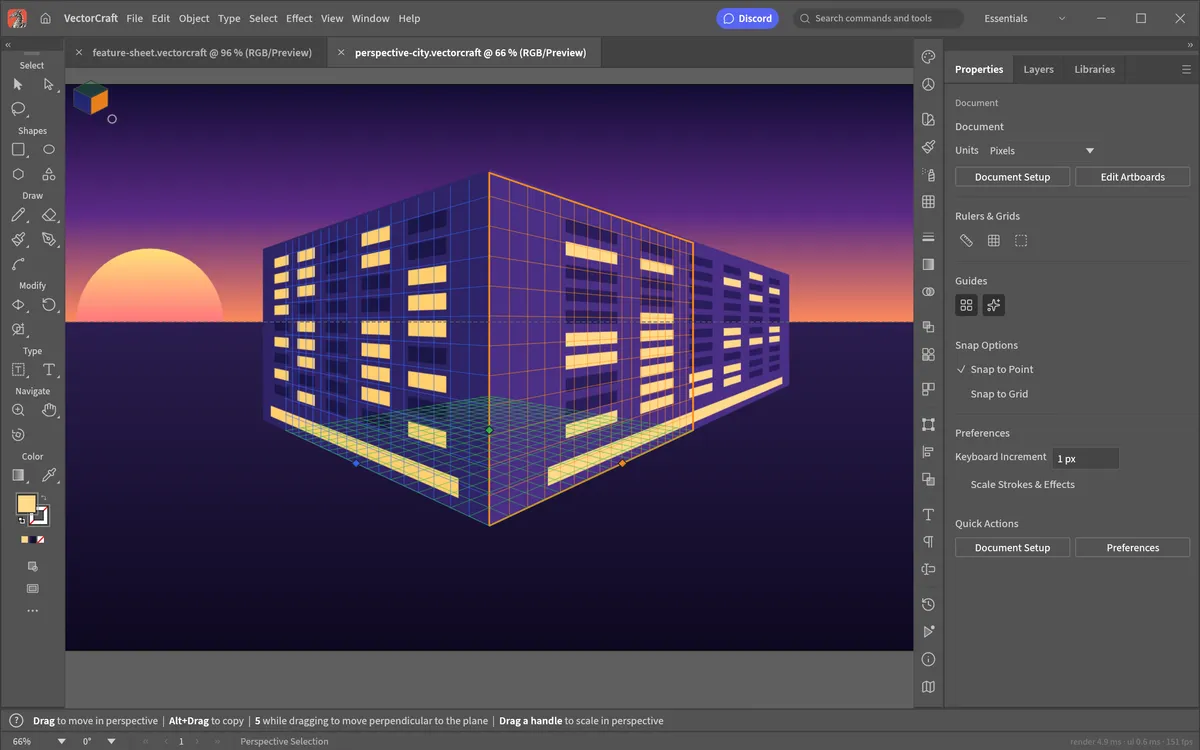
One thing sets VectorCraft apart from every other Illustrator alternative: it is agent-native. Every menu item, tool gesture, panel and dialog can be driven over a JSON control channel and an MCP server (Model Context Protocol), so Claude and other AI agents can create, edit and export artwork the way a person would. The sample artwork in the project's README was built entirely through this command API.
MCP needs the desktop command-line tool. The browser version on this site is for drawing by hand; it does not expose an MCP server.
What you need
- The VectorCraft command-line tool (
vectorcraft-cli). On macOS it is a separate download on the download page (vectorcraft-cli-<version>-macos-universal.zip); on other systems it ships with the desktop build or can be built from source. - Claude Code, or any other MCP-capable client.
Set it up in Claude Code
Register VectorCraft's MCP server, pointing at wherever you put the CLI:
claude mcp add vectorcraft -- /path/to/vectorcraft-cli mcp
To keep the agent inside one project's folder, give it read and write roots:
claude mcp add vectorcraft -- /path/to/vectorcraft-cli mcp \
  --automation-read-root /work/project \
  --automation-write-root /work/project
Restart Claude Code, then ask for something concrete, for example: "Create a 1080×1080 poster with a gradient sky, a sun made with Pathfinder and the title DUSK, and export it as SVG and PNG."
Other ways to automate VectorCraft
- Live control channel: start the desktop app with
--control 7979to drive a running window over JSON while you watch. - Headless batch jobs:
vectorcraft-cli run --in file.vectorcraft --export out.pdfconverts and exports without opening a window. - Plain files: the native
.vectorcraftformat is documented JSON, so scripts can generate or edit documents directly.
The full command reference lives in the project's docs/mcp.md and
docs/control-protocol.md on GitHub.
Why this matters
Most design tools bolt AI on as a single "generate" button. VectorCraft takes the opposite approach: the AI uses the same real tools you do, so the result is an ordinary, fully editable vector document — layers, paths and live effects included. You can open it in VectorCraft Online and keep working by hand.
Questions people ask
Can the browser version of VectorCraft use MCP?
No. MCP needs the desktop command-line tool (vectorcraft-cli). The web version is for drawing by hand.
Which AI tools work with VectorCraft?
Any client that supports the Model Context Protocol, such as Claude Code. Agents use the same commands as the menus and tools, so results are normal editable documents.
Can I restrict which folders the AI can touch?
Yes. Start the server with --automation-read-root and --automation-write-root to limit reading and writing to a project folder.
Try VectorCraft right now
The full editor runs in your browser. No install, no account.